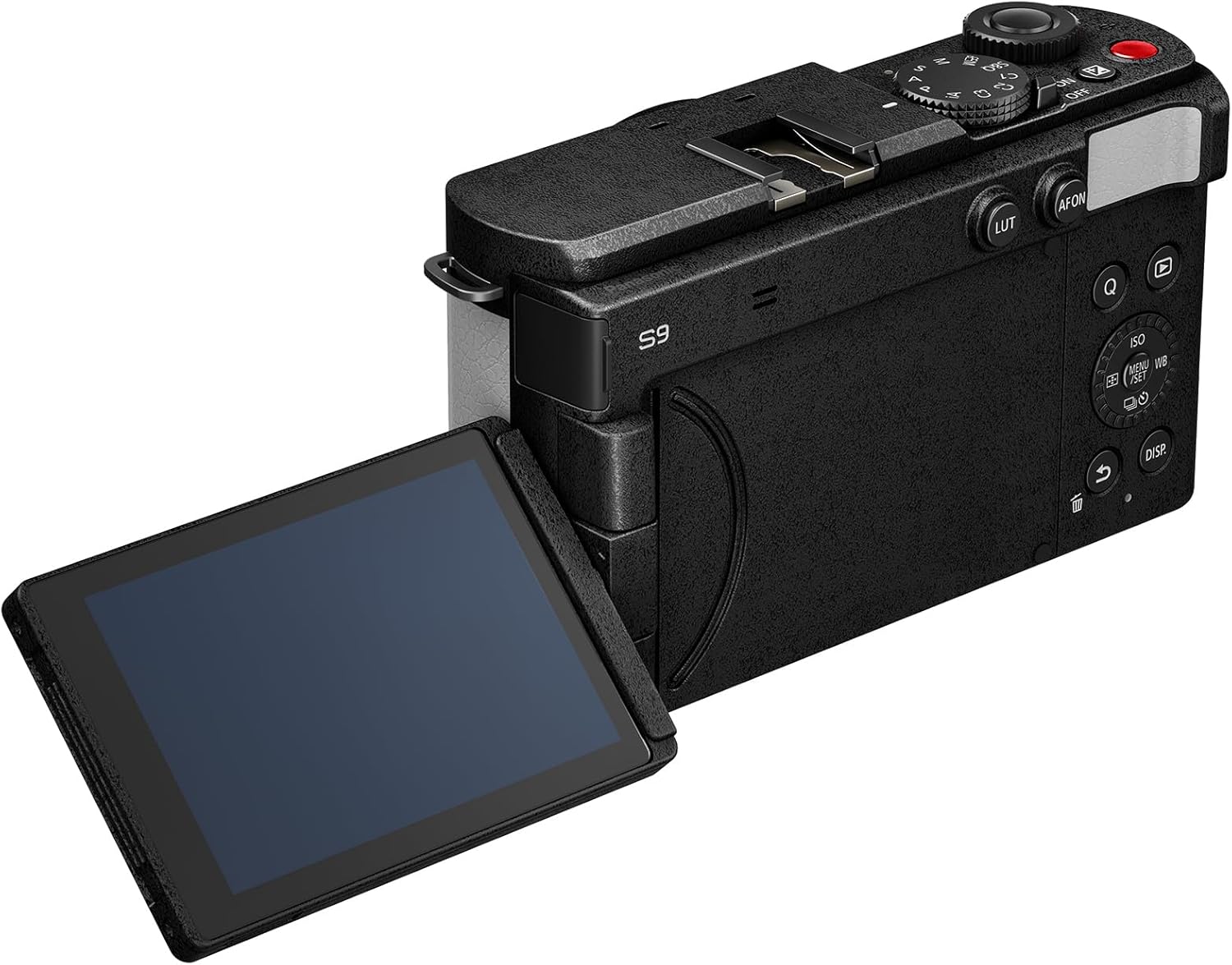
Mirrorless cameras versus dedicated cinema camera bodies in 6K
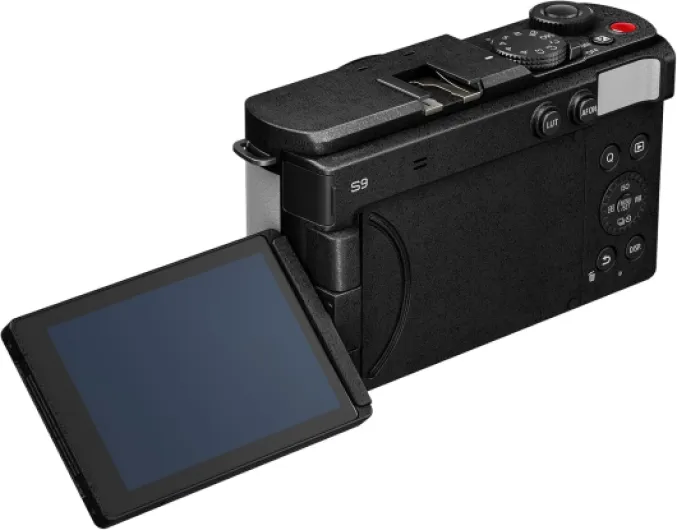
Many of the best 6K video cameras are mirrorless cameras that double as strong stills tools, while others are purpose built cinema camera designs. A hybrid mirrorless camera such as a Canon EOS model offers excellent autofocus, compact size, and interchangeable lens mount options that appeal to solo shooters. Dedicated cinema camera bodies like the Blackmagic Cinema Camera 6K or Blackmagic URSA Mini Pro 12K prioritize ergonomics for long takes, robust cooling, and professional I/O for audio and monitoring.
Hybrid mirrorless cameras shine when you need one camera to shoot both high resolution photos and 6K video on the same day. A Canon EOS R series full frame body, for example, can capture stills with a high resolution CMOS sensor, then switch into 6K class open gate or oversampled video modes for flexible reframing in post production. These mirrorless cameras also benefit from advanced subject detection autofocus, which helps keep faces and eyes sharp when you move quickly between locations.
Dedicated cinema camera systems such as Blackmagic Pocket Cinema Camera models or the larger Blackmagic URSA line trade stills features for video centric strengths. They often record internal Blackmagic RAW at high frame rate settings, include built in ND filters, and provide multiple power options for long shooting days. If you are unsure which route suits you, a detailed mirrorless versus cinema comparison like the analysis on modern mirrorless versus DSLR transitions helps clarify how mirrorless cameras have become the default for many productions.
Key specs that define the best 6k video cameras
To separate marketing claims from real performance, you need to understand which specifications matter most in the best 6K video cameras. Resolution is the starting point, but the combination of frame rate, codec, and dynamic range determines how flexible your footage will be in post production. A camera that records 6K Blackmagic RAW or another robust raw format at 50 fps with 13 or more stops of dynamic range gives you far more grading latitude than a compressed 6K 8 bit codec at 24 fps.
Look closely at the sensor type, whether it is a full frame sensor or Super 35 CMOS sensor, because this influences noise levels and field of view. A full frame camera with a modern CMOS sensor usually delivers cleaner shadows and smoother highlight roll off, which is critical when you shoot high contrast scenes. Super 35 sensors still dominate in many cinema camera lines, including some Blackmagic Cinema and Canon EOS Cinema models, because they match classic cinema lenses and make it easier to achieve deep focus at smaller apertures.
Autofocus performance, rolling shutter behavior, and lens mount options also shape your experience with 6K cameras. If you rely on continuous autofocus for gimbal work or documentary shooting, test how reliably the camera tracks faces and subjects in real world light. For users who struggle with soft images, guides such as this tutorial on fixing unfocused pictures explain how autofocus systems, manual focus aids, and high resolution sensors interact to produce consistently sharp results.
Spec comparison mindset for top 6K bodies
- Frame rates: check whether 6K or oversampled 4K is available at 24/25/30 fps and higher speeds like 50/60 fps for slow motion.
- Codecs: compare raw options (Blackmagic RAW, Canon Cinema RAW Light) against 10 bit log codecs such as XF-AVC, ProRes, or H.265.
- Dynamic range: look for independently measured values around 13–14 stops for serious grading headroom.
- Recording limits: note whether the camera has clip length restrictions or thermal shutdown issues at high resolutions.
How Blackmagic and Canon approach 6K cinema and digital film
Among the best 6K video cameras, Blackmagic and Canon take distinct but complementary paths toward digital film production. Blackmagic Pocket Cinema Camera models focus on delivering internal Blackmagic RAW recording, intuitive touch interfaces, and color science tuned for grading in DaVinci Resolve. Canon EOS Cinema cameras, by contrast, emphasize Dual Pixel autofocus, robust build quality, and integration with the extensive Canon EF and RF lens ecosystems.
The Blackmagic Pocket Cinema Camera 6K series uses a Super 35 CMOS sensor and EF lens mount, which lets you adapt a wide range of stills and cinema lenses. These pocket cinema bodies record Blackmagic RAW at various frame rate and resolution combinations, including 6K open gate modes that maximize the sensor area for flexible reframing. When paired with a fast lens, the camera can capture footage with impressive dynamic range that holds up under heavy color grading.
Canon EOS Cinema models such as the Canon EOS C70 or C300 series often combine Super 35 or full frame sensors with advanced autofocus and internal ND filters. They may not always carry the pocket cinema label, but they are designed as workhorse cinema camera systems for broadcast, documentary, and commercial work. When you compare Blackmagic Cinema and Canon EOS Cinema options, consider how each brand’s color science, raw implementation, and reviews product history align with your preferred workflow and client expectations.
Brand specific strengths in practice
- Blackmagic: competitive pricing, internal raw at high bitrates, strong integration with DaVinci Resolve, and frequent firmware feature updates.
- Canon: industry standard autofocus, reliable skin tones, wide service network, and lens ecosystems that cover everything from budget zooms to premium cinema primes.
Practical buying guide and camera comparison tool mindset
When you evaluate the best 6K video cameras, think like a camera comparison tool and break your decision into clear categories. Start with sensor format, choosing between full frame and Super 35 based on your preferred field of view, lens collection, and low light needs. Then assess codec options such as Blackmagic RAW or other raw formats, because these determine how far you can push your footage in post production without banding or artifacts.
Next, compare frame rate and resolution combinations for each camera, noting whether 6K is available at multiple fps settings or only at base frame rate values. A camera that offers 6K at 24, 25, and 50 fps gives you more creative freedom than one locked to a single mode. Also check whether the camera supports open gate recording, which uses the full sensor area and allows you to crop for different aspect ratios later.
Do not overlook ergonomics, power options, and connectivity when you read reviews product summaries or spec sheets. A compact pocket cinema body may suit travel and handheld shooting, while a larger Blackmagic URSA style rig with multiple SDI outputs fits multi camera studio work. For travelers or hybrid creators, resources such as this guide to top digital cameras for travel show how weight, battery life, and lens mount flexibility can matter as much as pure image quality.
Shortlist questions before you buy
- Will you mostly shoot handheld, on gimbals, or on tripods?
- Do your clients expect fast turnaround or heavy color grading?
- How much rigging (cages, monitors, wireless video) will you add to the camera?
- What storage budget and backup workflow can you realistically maintain?
Real world use cases for 6K mirrorless cameras and cinema rigs
Different creative scenarios highlight distinct strengths within the best 6K video cameras lineup. A solo documentary filmmaker might favor a Canon EOS mirrorless camera with reliable autofocus, compact lenses, and strong battery life for long days on location. A narrative director working with a crew could instead choose a Blackmagic Cinema or Blackmagic URSA body that integrates smoothly with follow focus systems, external monitors, and professional audio gear.
For social media and corporate content, 6K resolution allows you to shoot a single wide frame and crop multiple vertical and horizontal versions without losing quality. This workflow takes advantage of high resolution sensors and open gate modes, especially when combined with a fast frame rate for smooth motion. Editors can then stabilize shots, punch in for close ups, and maintain crisp detail when exporting to 4K or 1080p platforms.
In commercial and music video production, raw recording and wide dynamic range become critical for stylized color grades and complex lighting. Cameras that offer Blackmagic RAW or similar raw formats give colorists more control over white balance, exposure, and highlight recovery. Whether you use a pocket cinema body or a larger cinema camera rig, pairing the right lens, frame rate, and lighting plan lets you fully exploit what a modern 6K digital film workflow can deliver.
Example pairings by project type
- Run and gun documentary: Canon EOS C70 or EOS R5 with lightweight RF zooms, Dual Pixel AF, and internal ND filters.
- Indie narrative feature: Blackmagic Pocket Cinema Camera 6K Pro with cinema primes, external SSDs, and Blackmagic RAW for grading latitude.
- Studio and live production: Blackmagic URSA Mini Pro 12K with SDI monitoring, timecode, and multi camera control.
Understanding technical trade offs in 6K workflows
Working with the best 6K video cameras brings both creative advantages and technical challenges that you should plan for. Higher resolution and high frame rate recording generate larger files, which demand faster storage, more powerful editing systems, and disciplined data management on set. When you shoot 6K raw, especially formats like Blackmagic RAW, you must budget for backup drives and consider how long term archiving will affect your project costs.
Monitoring and focusing also change when you move to 6K cameras, because the extra detail reveals even small focus errors. Using high quality external monitors, focus peaking, and reliable autofocus systems helps ensure that your footage remains sharp despite the unforgiving resolution. Some camera pro operators still prefer manual focus with cinema lenses, while others rely on advanced autofocus in Canon EOS or mirrorless cameras to track subjects during fast action.
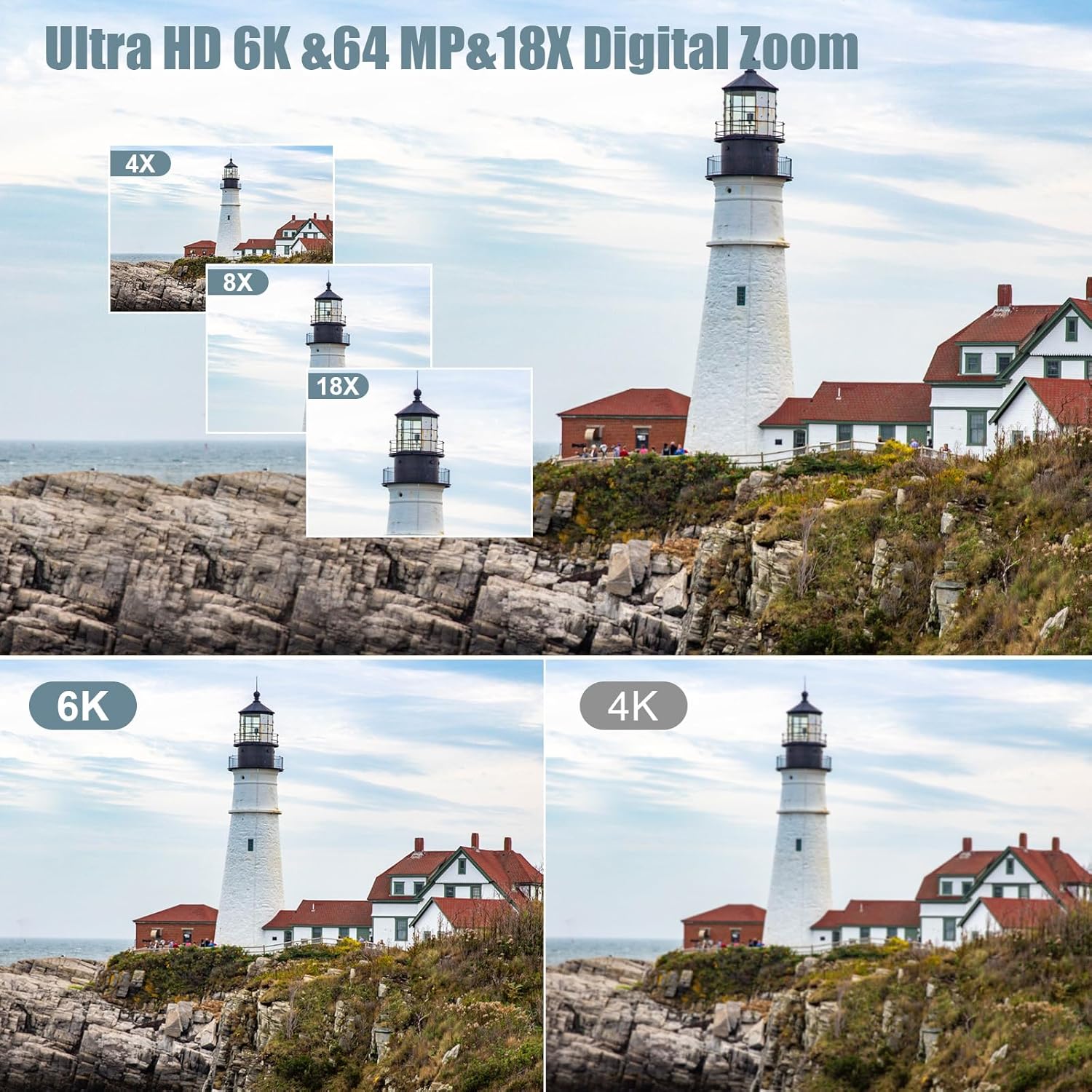
Finally, think about how your delivery format interacts with your capture choices, because most clients still request 4K or 1080p masters. Shooting 6K on a full frame sensor and downsampling to 4K can improve perceived sharpness, reduce noise, and give you room to reframe without compromising quality. By balancing sensor format, codec, frame rate, and lens selection, you can build a 6K workflow that enhances your creative options without overwhelming your storage or post production pipeline.
Realistic post production expectations
- Expect heavier CPU and GPU loads when editing native 6K timelines, especially with noise reduction or complex grades.
- Proxy editing or optimized media can keep laptops usable while preserving final quality for export.
- On shared projects, plan for fast network storage or shuttle drives so collaborators can access large camera originals.
Key figures and technical benchmarks for 6K video production
- Many popular 6K cinema cameras record at around 6000 × 3160 pixels, which provides roughly 19 megapixels of resolution and allows clean downsampling to 4K for sharper final images compared with native 4K capture.
- Typical 6K 24 fps Blackmagic RAW recording at a moderate compression ratio can consume around 200 to 300 megabits per second, meaning a 256 gigabyte card may hold roughly 90 to 120 minutes of footage depending on scene complexity.
- Modern Super 35 and full frame CMOS sensors in 6K cameras often deliver 13 to 14 stops of measured dynamic range, which gives colorists enough latitude to recover highlights and lift shadows in demanding high contrast scenes.
- Downsampling 6K to 4K can reduce visible noise by approximately one stop, because averaging multiple sensor pixels into each output pixel smooths random noise while preserving edge detail.
- Editing native 6K timelines typically requires a workstation class GPU and at least 32 gigabytes of system RAM for smooth playback, while proxy workflows can reduce hardware demands at the cost of extra transcoding time.
How to interpret these numbers when choosing a camera
- Higher bitrates usually mean cleaner gradients and fewer compression artifacts, but they also increase storage needs.
- Dynamic range around 13–14 stops is a practical threshold where you can confidently handle bright windows and deep shadows in one shot.
- If your current computer struggles with 4K, plan on using proxies or lower resolution previews for 6K and above.