
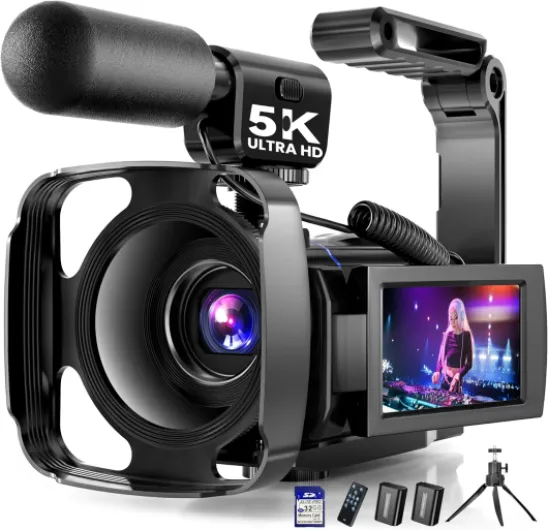
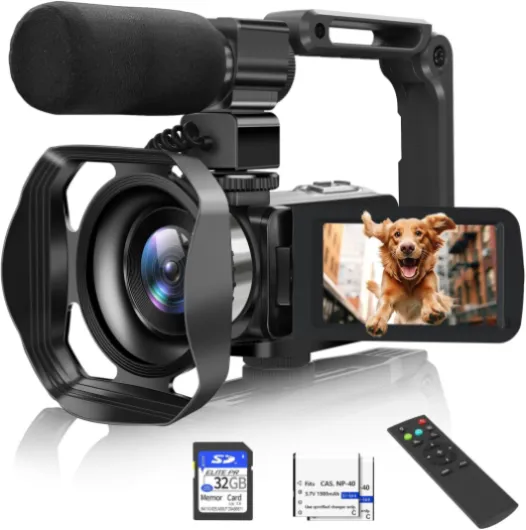
Understanding the importance of audio in video recording
Why Audio Matters as Much as Video
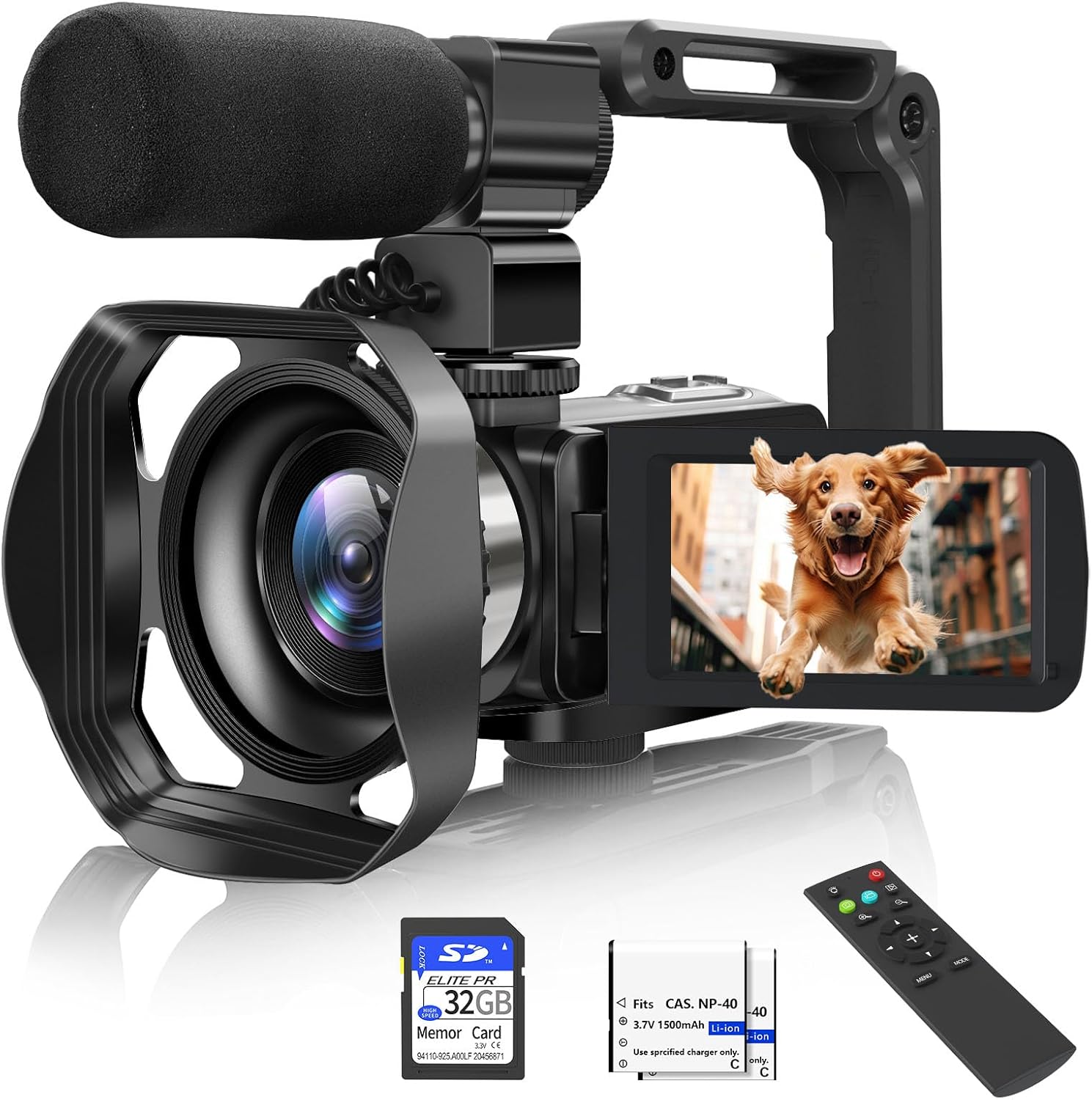
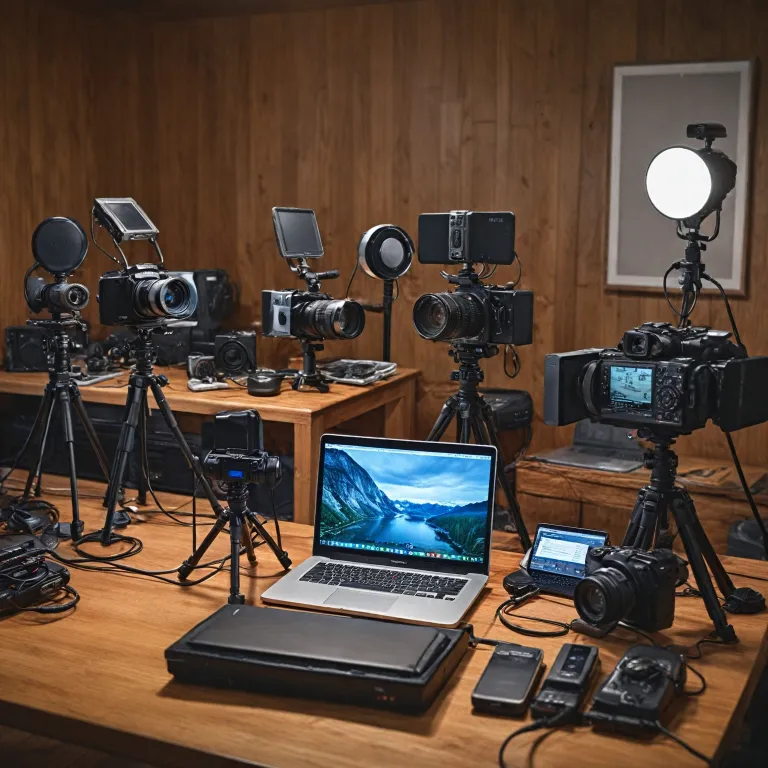
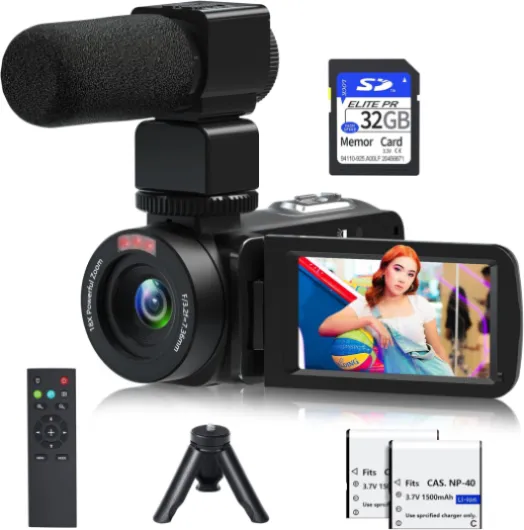
When recording video, many people focus on camera quality and visuals, but audio is just as crucial. Poor sound can ruin even the most stunning footage. Whether you’re filming business interviews, vlogs, or creative projects, clear audio helps your message come through. A built-in camcorder microphone often struggles with background noise, distance, and echo, making it hard to capture professional sound quality.
How Microphones Impact Your Video Projects
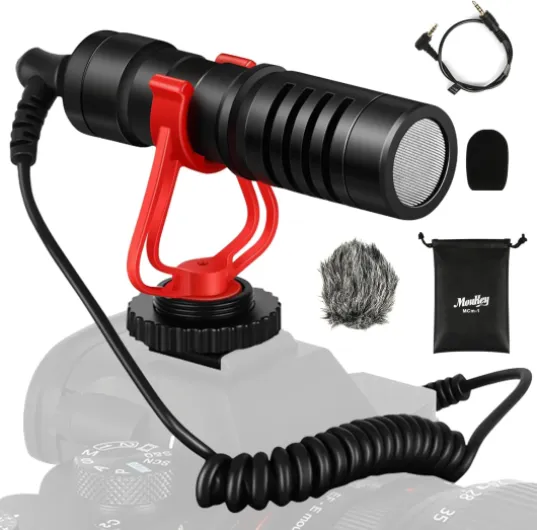
Choosing the right microphone for your camcorder can make a big difference. For example, a shotgun microphone is great for focusing on a subject in noisy environments, while a wireless lavalier mic is perfect for interviews or presentations where freedom of movement is important. Mini wireless microphones and camera microphones with noise cancellation features are becoming more popular for small teams and solo creators. The right microphone system can help you avoid common mistakes, like muffled voices or unwanted background sounds.
Audio Quality and the Viewer Experience
Good audio quality keeps your audience engaged. If your video camera records crisp visuals but the sound is weak or distorted, viewers may lose interest quickly. Features like wireless microphones, rechargeable battery options, and even a charging case for your mini wireless mic can make your workflow smoother and more reliable. Investing in a quality camcorder microphone, such as those from brands like Audio Technica, can be just as important as choosing the right camera.
Quick View: Audio Essentials for Video Recording
- External microphones (shotgun, lavalier, wireless) offer better sound than built-in mics
- Noise cancellation features help reduce unwanted background sounds
- Battery life and charging case options are key for longer shoots
- Price and features should match your recording needs and business goals
If you want to learn more about connecting your camera to external devices for better monitoring and control, check out this guide on how to connect your camera to a monitor using HDMI.

Types of microphones found in camcorders
Exploring Microphone Types in Camcorders
When shopping for a camcorder, understanding the different types of microphones is crucial for capturing high-quality audio. The microphone built into your camera can make a big difference in your video’s sound quality, but there are several options to consider, each with its own strengths and weaknesses.
- Built-in Microphones: Most video cameras come with a built-in mic. These are convenient and free with your purchase, but they often pick up unwanted noise and may not deliver the best audio quality, especially in noisy environments.
- Shotgun Microphones: A popular choice for many creators, shotgun mics are designed to capture sound from a specific direction. They’re great for interviews or recording in busy locations. Many camcorders support external shotgun microphones, which can dramatically improve clarity and reduce background noise.
- Lavalier Microphones: Also known as lapel mics, lavalier microphones are small and clip onto your subject’s clothing. They’re ideal for business presentations, interviews, or any situation where you need hands-free audio. Wireless lavalier systems are especially useful for on-the-go recording, offering flexibility and mobility.
- Wireless Microphones: Wireless mic systems, including mini wireless options, are increasingly popular for their convenience. They allow you to move freely without worrying about cables. Many modern wireless microphones come with a charging case for easy battery management.
Some camcorders offer compatibility with multiple microphone types, giving you the flexibility to adapt to different recording scenarios. Features like noise cancellation and battery life are important to consider, as they impact both the quality and reliability of your audio.
If you’re interested in learning more about how different microphone types can enhance your video production, check out this guide to choosing the perfect camera for your vlogging journey.
| Microphone Type | Best For | Key Features | Price Range |
|---|---|---|---|
| Built-in | Casual recording, home videos | Free, convenient, limited quality | Included |
| Shotgun | Interviews, outdoor shoots | Directional, noise cancellation, external | Medium to high |
| Lavalier | Presentations, business, vlogging | Small, hands-free, wireless options | Low to medium |
| Wireless | Events, mobile shooting | Mobility, charging case, mini wireless | Medium to high |
Choosing the right microphone system for your camcorder depends on your specific needs, whether it’s for business, vlogging, or creative projects. Always consider the features, price, and compatibility with your camera to ensure the best possible audio for your videos.
Key features to look for in a mic camcorder
Essential factors when selecting a camcorder microphone
When choosing a microphone camcorder, the right features can make a big difference in your audio quality and overall video production. Here’s a quick view of what to consider before making a purchase:
- Microphone type: Decide if you need a shotgun microphone for directional sound, a lavalier microphone for interviews, or a mini wireless microphone for mobility. Each type suits different recording environments and business needs.
- Audio quality: Look for camcorders with high-quality built-in microphones or support for external microphones. Features like noise cancellation and wind reduction help ensure clear sound, especially in outdoor or small spaces.
- Wireless capabilities: Wireless microphones, such as wireless lavalier or mini wireless mic systems, offer freedom of movement and are ideal for dynamic video shoots. Check if the camcorder supports wireless microphone systems and whether it includes a charging case for convenience.
- Battery life: Consider the battery life of both the camcorder and the microphone. Some wireless microphones and camera microphones come with rechargeable batteries or charging cases, which are useful for long recording sessions.
- Compatibility: Ensure the camcorder microphone is compatible with your video camera. Some camcorders have dedicated microphone inputs, while others may require adapters for certain microphone systems.
- Price and value: Compare the price of different camcorder microphones and weigh them against the features offered. Brands like Audio Technica are known for reliable audio quality at various price points.
- Size and portability: If you need a small or mini microphone for travel or on-the-go recording, check the size and mounting options. A compact microphone system can be a big advantage for mobile video creators.
For those looking to enhance their setup, investing in the right accessories can further improve your sound quality and recording experience. You can learn more about essential accessories for your camera and microphone setup to get the most out of your video projects.
Comparing popular mic camcorder models
Quick View: Popular Mic Camcorder Models Compared
When choosing a camcorder with a built-in microphone or the ability to attach external microphones, it’s important to compare models based on audio quality, features, and price. Here’s a quick view of some popular options that are often recommended for video creators, business users, and anyone seeking reliable sound quality.| Model | Microphone Type | Audio Features | Wireless Support | Battery Life | Price Range |
|---|---|---|---|---|---|
| Sony FDR-AX53 | Built-in + External (3.5mm jack) | Noise cancellation, manual audio control | Supports wireless microphone systems | Approx. 2 hours (recording) | Mid to high |
| Canon VIXIA HF G50 | Built-in + External (mini jack) | Audio level adjustment, headphone out | Compatible with wireless lavalier mics | Approx. 2.5 hours | Mid |
| Panasonic HC-V770 | Built-in + External (3.5mm jack) | Wind noise reduction, zoom microphone | Works with wireless microphone systems | Approx. 1.5 hours | Affordable |
| Zoom Q8n-4K | Detachable X/Y mic, XLR inputs | Professional audio, mini wireless support | Wireless microphone compatible | Approx. 2 hours | Mid |
Key Differences and Features to Learn
- Microphone Options : Some camcorders offer only a built-in microphone, while others allow you to attach a shotgun microphone, lavalier microphone, or even a wireless microphone system for better audio quality.
- Audio Controls : Manual audio level adjustment and noise cancellation features can make a big difference in sound quality, especially in small business or outdoor video recording.
- Wireless Compatibility : If you need freedom of movement, look for models that support wireless microphones or come with a wireless lavalier mic. Some even include a charging case for mini wireless systems.
- Battery Life : Consider how long you’ll be recording. Wireless microphones and camcorders with longer battery life are essential for extended shoots.
- Price vs. Features : Higher price doesn’t always mean better audio. Compare the features you need, such as support for external microphones, noise cancellation, and wireless mic compatibility, to get the best value.
What to Consider for Your Video Needs
Think about the type of videos you create. For interviews or business presentations, a wireless lavalier microphone system offers clear, hands-free audio. For outdoor or action video, a shotgun mic with noise cancellation is often preferred. If you’re just starting, a camcorder with a built-in mic and the option to upgrade to external microphones gives you flexibility as you learn and grow. When comparing models, always check for compatibility with popular brands like Audio Technica and look for reviews that mention real-world audio performance. Remember, the right microphone camcorder setup can make your video sound as professional as it looks.Tips for improving audio quality with your camcorder
Simple Steps to Boost Your Camcorder Audio
- Choose the right microphone: Built-in microphones on camcorders often pick up unwanted noise. For better sound quality, consider using an external camera microphone, such as a shotgun mic for directional audio or a wireless lavalier microphone for interviews and business videos.
- Monitor your audio: Always use headphones to check the sound while recording. This helps you catch issues like static, low volume, or interference from wireless microphones before it’s too late.
- Mind your placement: Keep the microphone close to your subject. A mini wireless mic or lavalier clipped to clothing can capture clear audio, especially in small or noisy environments.
- Use noise cancellation features: Many modern camcorder microphones and microphone systems offer noise cancellation. Activate these features to reduce background sounds and improve clarity.
- Check your battery and charging case: Wireless mics and camera microphones rely on battery power. Always carry spare batteries or a charging case to avoid losing audio during important moments.
- Adjust your settings: Learn your camcorder’s audio controls. Adjusting input levels and using manual gain can prevent distortion and ensure balanced sound.
Quick View: Audio Accessories That Make a Difference
| Accessory | Best For | Price Range |
|---|---|---|
| Shotgun Microphone | Outdoor, directional audio | Medium to high |
| Wireless Lavalier | Interviews, business, hands-free | Medium |
| Mini Wireless Microphone | Vlogging, small setups | Low to medium |
| Audio Technica Camcorder Microphone | General video recording | Medium |
Extra Tips for Better Sound Quality
- Test your setup before recording. A quick sound check can reveal problems with your microphone system or camcorder settings.
- Use windshields or foam covers on microphones to reduce wind noise outdoors.
- Keep cables and wireless transmitters secure to avoid accidental disconnections during video recording.
- Consider the environment. Recording in a quiet space will always give you the best audio quality, no matter the price or features of your equipment.
Common mistakes to avoid when using a mic camcorder
Overlooking Battery and Charging Needs
Many users forget to check the battery life of their wireless microphone or camcorder microphone. Running out of power during a shoot can ruin your audio quality. Always carry spare batteries or a charging case, especially for wireless microphones and mini wireless systems. Some microphone systems have short battery life, so plan for longer recording sessions.Ignoring Compatibility and Connection Issues
Not all microphones work seamlessly with every camcorder or video camera. Double-check that your chosen mic—whether it’s a shotgun microphone, lavalier microphone, or wireless mic—connects properly to your camera. Some camcorders require adapters for certain microphones. Test your setup before important shoots to avoid last-minute surprises.Neglecting Audio Settings and Levels
Setting your audio levels too high or too low can lead to distortion or barely audible sound. Use your camcorder’s audio monitoring features to keep levels in check. Many cameras and microphone video systems offer manual controls—learn how to use them for the best sound quality.Forgetting About Environmental Noise
Even the best microphone can pick up unwanted background noise. Use noise cancellation features if available, and position your mic carefully. Shotgun mics are great for focusing on a subject, while lavalier microphones are ideal for interviews. Always monitor your audio with headphones to catch issues early.Not Securing the Microphone Properly
Loose microphones can create handling noise or fall off during recording. Secure your wireless lavalier or shotgun mic firmly to your subject or camera. Use the right mounts and clips for your microphone system to ensure stability.- Test your setup before recording
- Monitor audio in real time
- Keep spare batteries or a charging case handy
- Choose the right microphone for your video needs and environment