

Understanding the importance of audio in video production
Why Audio Quality Matters in Video Recording
When recording video with your iPhone, it’s easy to focus on visuals and overlook sound. However, audio is just as crucial as image quality. Even the best-looking video can feel unprofessional if the sound is muffled, distorted, or full of background noise. Clear audio helps your message come through, keeps viewers engaged, and adds a professional touch to your content.
Impact of Microphone Choice on Your Videos
The built-in mic on your phone is convenient, but it’s not designed for high quality audio, especially in noisy environments. Investing in a dedicated microphone for your iPhone can make a huge difference. Whether you choose a wireless mic, a lavalier microphone, or a mini mic, each type offers unique benefits for different recording situations. The right microphone will capture clear sound, reduce unwanted noise, and improve the overall quality of your video recording.
Audio: The Key to Professional Results
Many creators and professionals agree that viewers are more likely to forgive less-than-perfect visuals than poor sound quality. That’s why choosing the best microphone for your iPhone is essential if you want your videos to stand out. Factors like noise reduction, transmission range, battery life, and compatibility with your phone all play a role in delivering high quality, professional audio.
If you’re interested in learning more about the importance of audio and how it compares to other aspects of video production, check out this guide on choosing the ideal video camera for filmmaking.
Types of microphones compatible with iPhones
Different Microphone Types for iPhone Video Recording
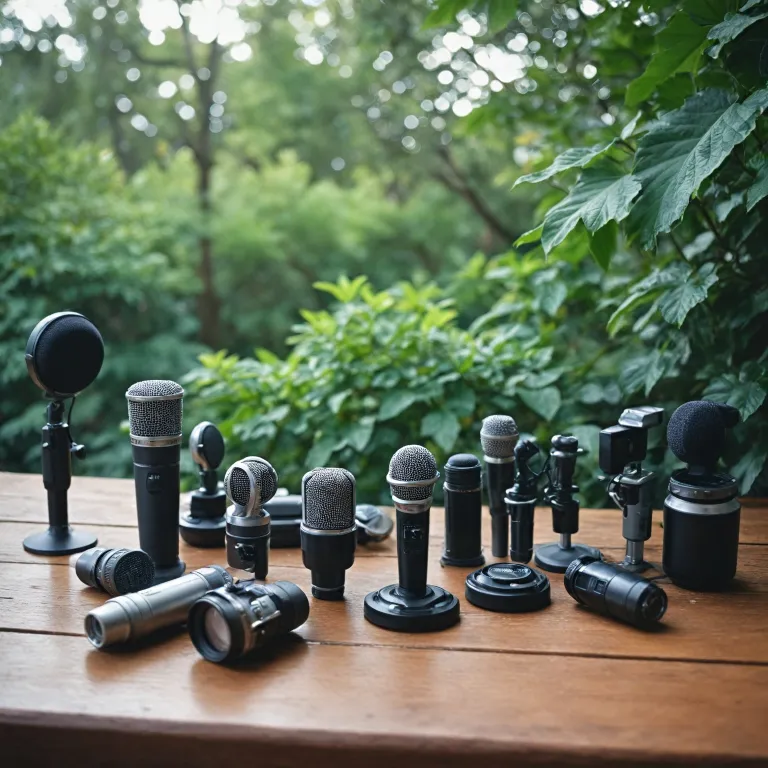
When it comes to capturing high quality audio with your iPhone, the type of microphone you choose can make a significant difference. Not all microphones are created equal, and each type offers unique advantages depending on your recording needs, budget, and the environment where you shoot your videos. Understanding these options is key to achieving professional sound quality and minimizing background noise.
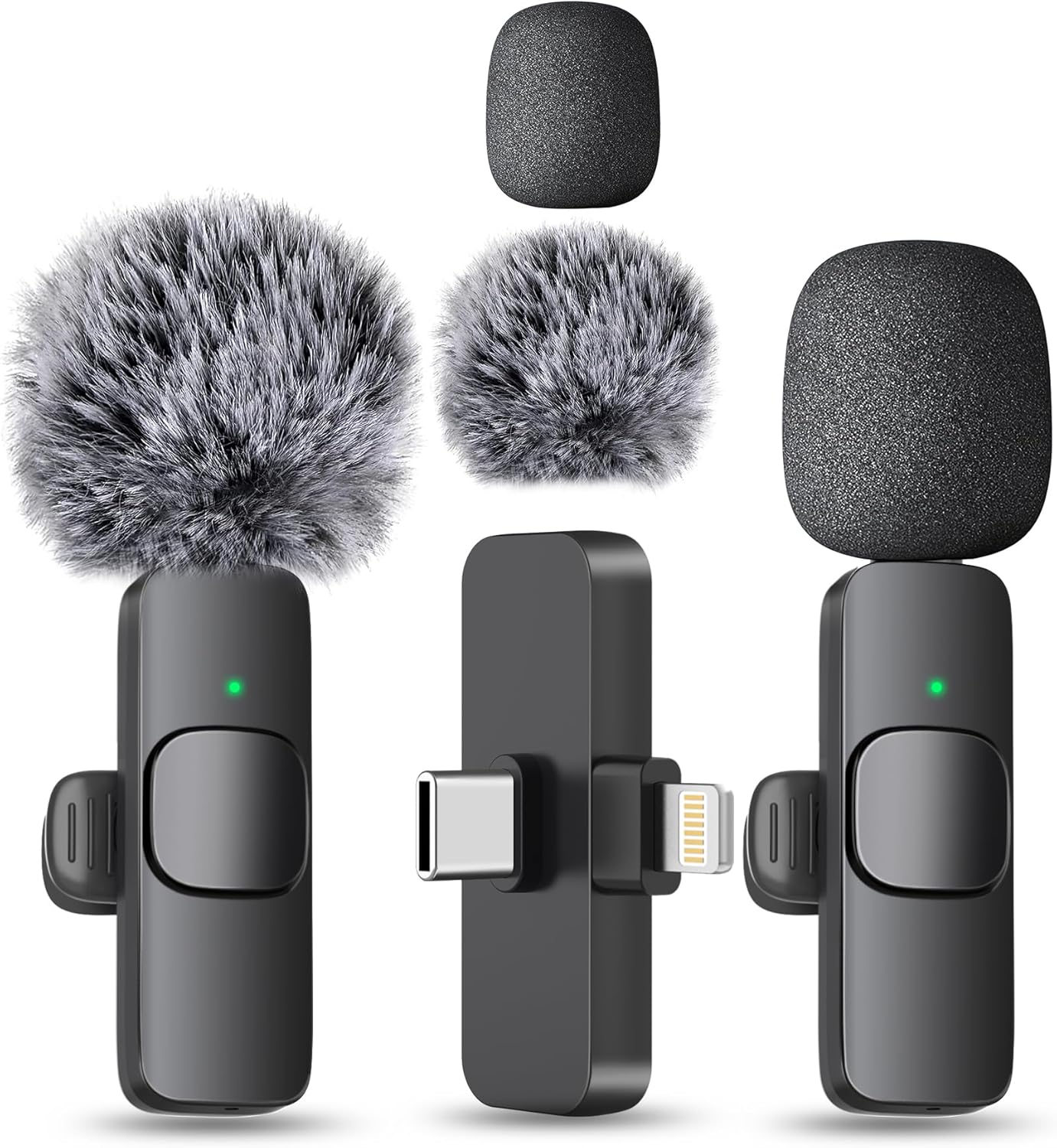
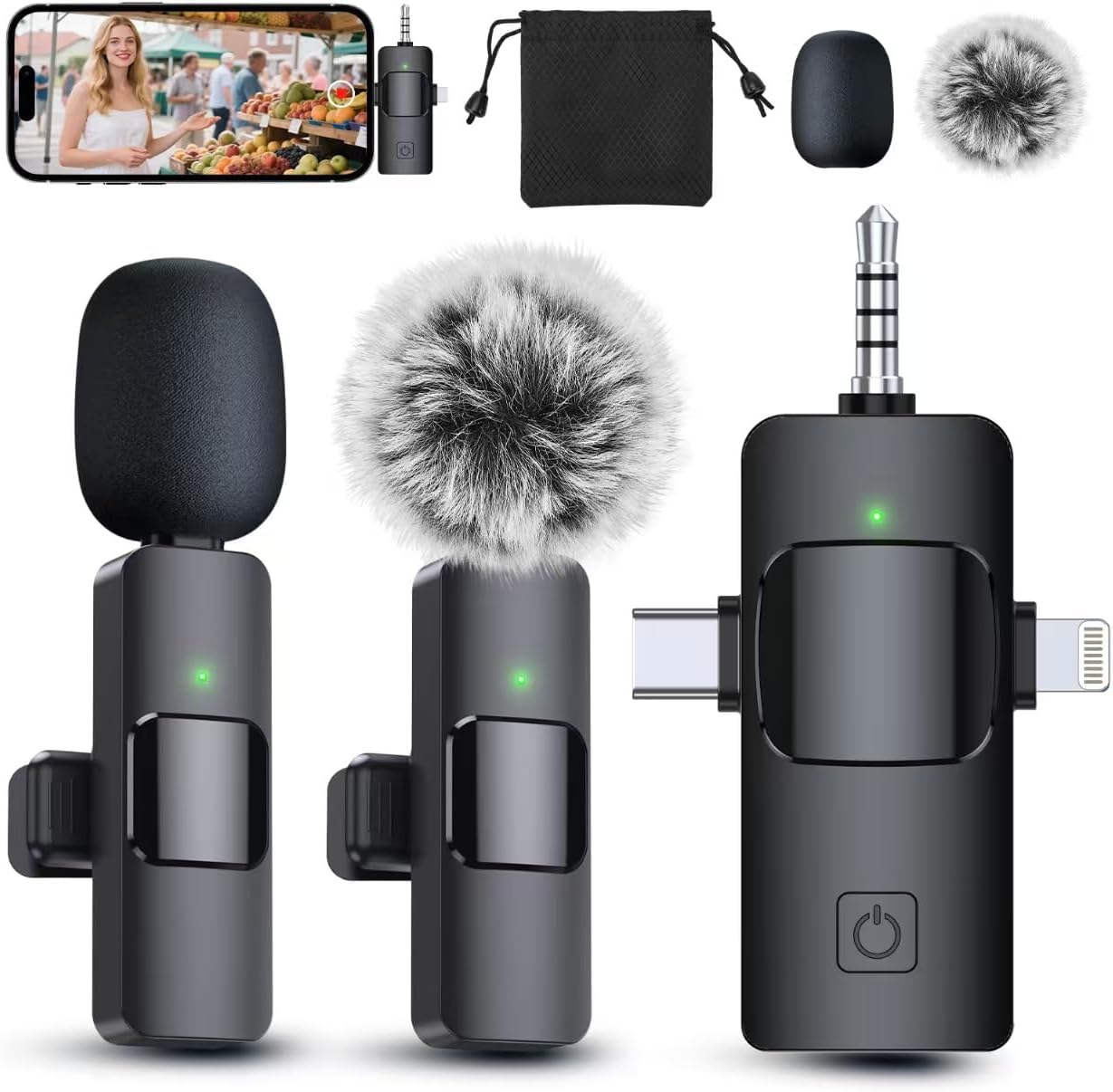
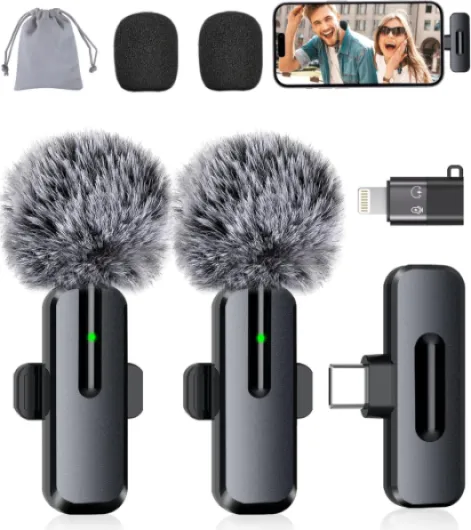
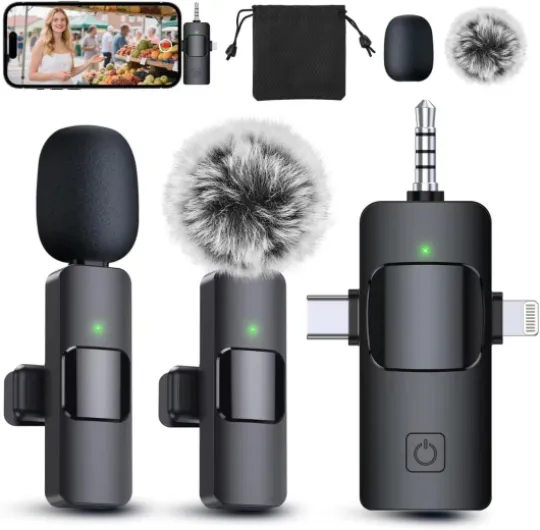
- Lavalier Microphones: Also known as lapel mics, these are small, clip-on microphones ideal for interviews, vlogs, and presentations. They deliver clear audio close to the source and are great for reducing ambient noise. Many lavalier microphones connect via a 3.5mm jack, Lightning, or USB-C, making them plug and play for most iPhones.
- Wireless Microphones: Wireless mic systems, such as the popular DJI Mic, offer freedom of movement and are perfect for dynamic video recording. They usually include a transmitter, receiver, and sometimes a mini mic. Wireless microphones are valued for their transmission range and battery life, making them a top choice for creators who need flexibility and high quality sound.
- Shotgun Microphones: These directional microphones focus on sound from a specific direction, helping to isolate your voice from background noise. They are often mounted on top of your phone or camera and are ideal for outdoor shoots or noisy environments. Some models are designed specifically as microphone iPhone accessories with compact, mini designs.
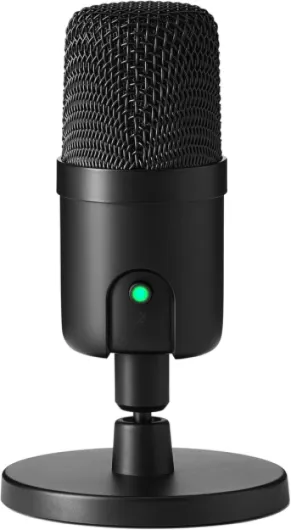
- USB/Lightning Microphones: Designed for direct connection to your iPhone, these mics offer high quality digital audio with minimal setup. They are perfect for those who want a simple, professional solution without extra adapters. Many models feature noise reduction and noise cancellation technology for clear audio.
Choosing the best microphone for your iPhone depends on your specific needs. If you’re looking for a versatile solution for filmmaking, check out this guide on choosing the ideal video camera for filmmaking—it covers audio considerations that are just as relevant for mobile creators.
Keep in mind factors like price, pro features, battery life, and compatibility with your phone. Whether you need a mini mic for on-the-go recording or a professional wireless microphone for high quality video production, understanding these types will help you make an informed choice.
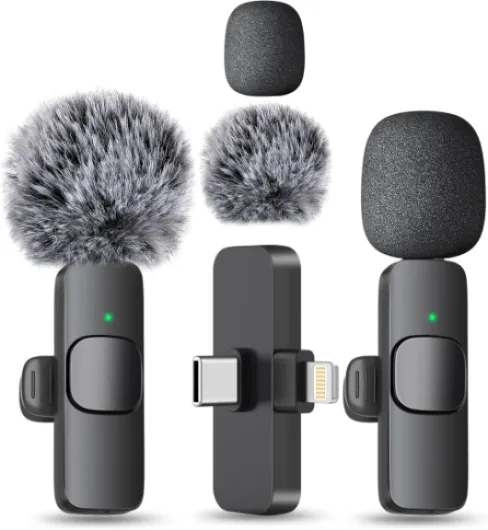
- + Wireless design for convenience
- + Compatible with iPhone and Android
- + Easy to clip on for hands-free use
- + Great for content creation like YouTube, TikTok, and podcasts
- + Includes USB-C and Lightning connectors

Key features to look for in an iPhone microphone
What Makes a Microphone Stand Out for iPhone Video Recording?
When searching for the best microphone for your iPhone, it’s easy to get overwhelmed by the options. Not all mics are created equal, and the right choice can make a huge difference in your video’s sound quality. Here are the most important features to consider when picking a microphone for video recording on your phone:
- Audio Quality: High quality audio is essential for professional results. Look for microphones that deliver clear audio with minimal distortion or hiss. Features like noise reduction and noise cancellation help cut down on background noise, ensuring your voice or subject stands out.
- Compatibility: Not every microphone works seamlessly with iPhones. Check if the mic connects via Lightning, USB-C, or 3.5mm jack. Some models are plug and play, while others may need an adapter.
- Type of Microphone: Lavalier microphones (clip-on mics) are great for interviews and hands-free use. Wireless microphones offer more freedom of movement, while mini mics are ultra-portable for on-the-go recording. Consider what fits your shooting style best.
- Transmission Range: For wireless mic systems, the transmission range is crucial. A longer range allows you to move freely without losing connection between the transmitter and receiver.
- Battery Life: If you’re recording long videos, battery life matters. Wireless microphones and some mini mics have built-in batteries, so check how long they last on a single charge.
- Build Quality: A sturdy, well-built microphone can withstand regular use and travel. Look for pro-grade materials if you plan to use your mic frequently or in different environments.
- Price and Value: While high-end microphones offer premium features, there are affordable options that still deliver quality audio. Balance your budget with your needs for sound quality and features.
Some microphones also come with advanced features like adjustable gain, windshields for outdoor recording, or dual-channel recording for interviews. If you’re aiming for professional results, these extras can be worth the investment.
For those interested in the creative side of audio and video, exploring the art of pinhole camera photography can offer inspiration for unique content creation, blending visual and sound storytelling.
Popular iPhone microphones for video: comparison table
Comparing Top iPhone Microphones for Video Recording
| Microphone | Type | Connection | Key Features | Audio Quality | Battery Life | Price Range |
|---|---|---|---|---|---|---|
| Rode Wireless GO II | Wireless Lavalier | 3.5mm, USB-C, Lightning (with adapter) | Dual channel, built-in recorder, compact receiver | High quality, clear audio, good noise reduction | Up to 7 hours | High |
| DJI Mic | Wireless Lavalier | USB-C, Lightning (with adapter), 3.5mm | Long transmission range, touchscreen receiver, mini size | Pro-level sound, effective noise cancellation | Up to 15 hours (with charging case) | High |
| Shure MV88+ | Mini Condenser | Lightning, USB-C | Plug and play, adjustable stereo width, app controls | High quality, detailed sound, good background noise control | N/A (powered by phone) | Mid to High |
| Boya BY-M1 | Wired Lavalier | 3.5mm (Lightning adapter needed) | Long cable, omnidirectional, budget-friendly | Decent quality, some noise, not wireless | N/A (wired) | Low |
| Sennheiser MKE 200 Mobile Kit | Mini Shotgun | 3.5mm (Lightning adapter needed) | Compact, built-in wind protection, plug play | Clear audio, focused sound, reduces background noise | N/A (wired) | Mid |
- Wireless microphones like the DJI Mic and Rode Wireless GO II offer flexibility and pro-level transmission range, making them suitable for dynamic video recording and interviews.
- Lavalier microphones are discreet and ideal for capturing clear audio close to the source, especially in noisy environments.
- Mini mics such as the Shure MV88+ are plug and play, portable, and deliver high quality sound for on-the-go creators.
- Consider battery life for wireless options, as longer shoots require more endurance.
- Wired options like the Boya BY-M1 are affordable but may require adapters for newer iPhones.
When choosing the best microphone for your iPhone, weigh your priorities: sound quality, price, portability, and the type of video content you plan to create. Each mic in this comparison brings its own strengths for professional and casual video recording.
Tips for getting the best audio quality with your iPhone
Simple steps for clear audio every time
- Choose the right environment: Avoid recording in noisy places. Background noise can ruin even the best microphone audio. If possible, record indoors or use noise reduction features on your wireless mic or lavalier microphone.
- Position your mic correctly: For lavalier microphones, clip the mic close to your mouth but away from clothing that might rub and cause unwanted sound. For mini mics or wireless microphones, keep the receiver and transmitter within the recommended transmission range for high quality audio.
- Monitor your sound: Use headphones to listen while recording. This helps you catch issues like low volume, interference, or noise before you finish your video recording.
- Check battery life: Wireless microphones and mini mics rely on battery power. Always charge your devices before shooting to avoid sudden dropouts or loss of quality audio.
- Use the right connection: Ensure your microphone is compatible with your iPhone. Some require a USB Lightning adapter, while others are plug play. Double-check the connection for a stable and professional sound.
- Adjust your phone settings: Disable automatic gain control if possible and set your iPhone to airplane mode to prevent interruptions from calls or notifications during video recording.
- Test before you shoot: Record a short test clip to check for noise, clarity, and overall sound quality. This step can save you time and help you achieve high quality results.
Extra tips for pro results
- Consider using a windscreen or foam cover on your microphone to reduce wind noise when filming outdoors.
- If using a wireless mic like the DJI Mic, keep obstacles between the transmitter and receiver to a minimum for the best transmission range and clear audio.
- For interviews or professional video, use two microphones if possible—one for each speaker—for balanced sound.
- Regularly clean your microphone and connectors to maintain high quality performance and avoid static or crackling sounds.
By following these steps, you can maximize the sound quality of your iPhone microphones and achieve professional results, whether you use a lavalier, wireless, or mini mic for your video projects. Paying attention to these details ensures your audio matches the high quality of your video, giving your content a polished, pro look and sound.
Common challenges and troubleshooting audio issues
Solving Common Audio Problems When Recording with iPhone Microphones
Unexpected Background NoiseEven with high quality microphones, background noise can creep into your video recording. Try these steps:
- Choose a quiet location and minimize movement around the mic.
- Use a lavalier microphone with noise reduction or noise cancellation features for clearer audio.
- For wireless microphones, check the transmission range to avoid interference that can introduce unwanted sound.
If your audio sounds muffled or too quiet, consider:
- Ensuring the microphone is properly connected to your iPhone, especially if using USB lightning or plug play models.
- Checking the mic's battery life—low power can affect performance, especially in wireless mic systems.
- Adjusting the input levels in your recording app to avoid distortion or clipping.
Wireless microphone users may face dropouts or static. To improve reliability:
- Keep the receiver and transmitter within the recommended transmission range.
- Avoid obstacles between your mini mic and the phone.
- Update firmware if your microphone supports it, as this can resolve bugs.
Some microphones, especially professional or mini models, require specific apps or settings:
- Read the manufacturer’s instructions for recommended apps or settings for best sound quality.
- Test your setup before important shoots to ensure your iPhone recognizes the microphone.
Wireless and battery-powered microphones can run out of charge mid-recording:
- Always check battery life before starting a video session.
- Carry spare batteries or a portable charger for longer shoots.
- Regularly clean your microphone to prevent dust buildup that can affect sound.
- Store your mic in a safe, dry place to maintain its performance and price value.
- Test different positions—sometimes moving the lavalier microphone a few centimeters can make a big difference in clarity.