

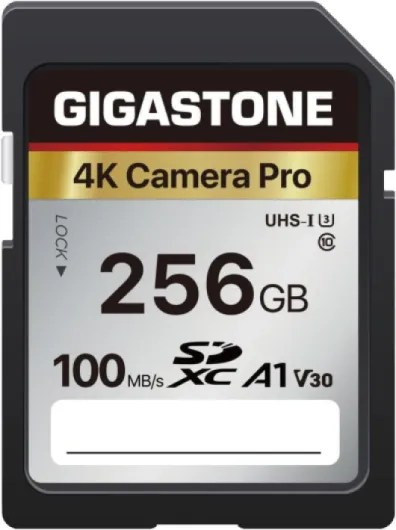
Understanding memory chips and their role in digital cameras
The Essential Role of Memory Chips in Digital Photography
In the world of digital cameras, memory chips are as crucial as the lens or the camera body itself. These small but powerful components store every photo and video you capture, acting as the digital equivalent of film in traditional film cameras. Whether you use a compact camera for travel, a medium format camera for studio work, or a large format system for landscape photography, the right memory card ensures your equipment performs at its best.
Unlike film, which had physical limitations, digital memory cards offer flexibility in capacity, speed, and reliability. They come in various types and sizes, from SDXC memory cards to CFexpress Type cards, each designed to meet different needs. For example, high-speed cards like the SanDisk Extreme Pro or ProGrade Digital are essential for full video recording or burst photography, while standard cards may suffice for everyday snapshots.
- Storage for Photos and Video: Memory chips hold all your digital files, from high-resolution images to 4K video clips. The amount you can store depends on the card's capacity and the file size of your camera's output. If you're curious about how many photos a 16GB card can hold, check out this detailed guide.
- Performance and Speed: The write speeds of your memory card directly affect how quickly your camera can save files, especially when shooting in RAW or recording high-bitrate video. This is why understanding speed ratings is vital for anyone using advanced features or video accessories.
- Compatibility: Not all memory cards work with every camera. Factors like card type, speed class, and even firmware updates can impact compatibility, making it important to match your card to your camera model and shooting style.
Memory chips are more than just storage—they are a key part of your digital workflow. From camera bags and cases to light stands and tripod heads, every accessory you choose should support and protect your memory cards. As you explore the different types of memory cards, their capacities, and speed ratings, you'll be better equipped to select the right card pack for your needs and avoid common mistakes that can lead to data loss or missed shots.
Types of memory chips commonly used in digital cameras
Popular Memory Card Formats in Digital Cameras
When shopping for digital camera equipment, understanding the types of memory cards is essential. The right card impacts everything from shooting full video to capturing high-resolution images. Here’s a breakdown of the most common memory card formats you’ll encounter in today’s digital cameras, from compact models to large format and medium format systems.
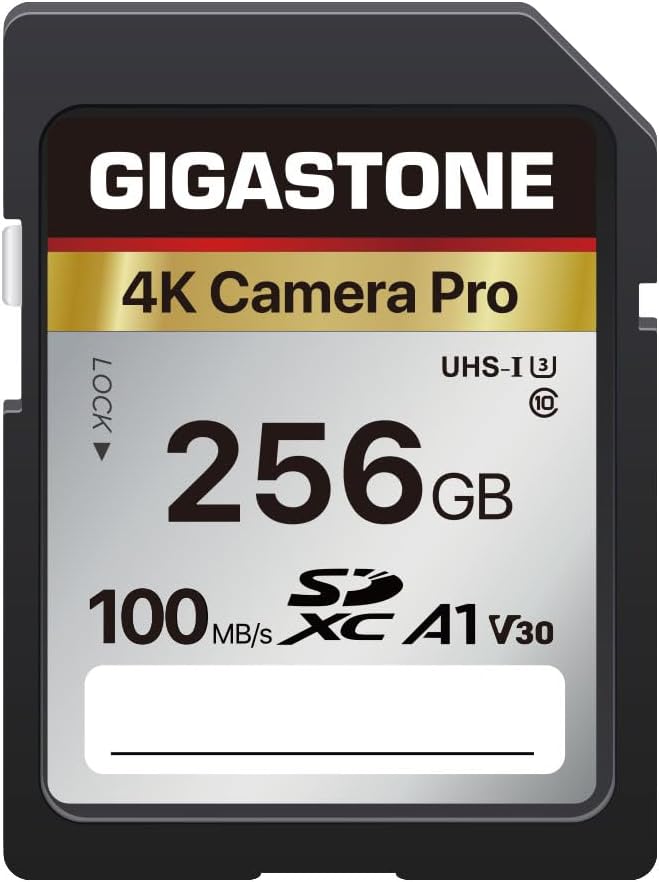
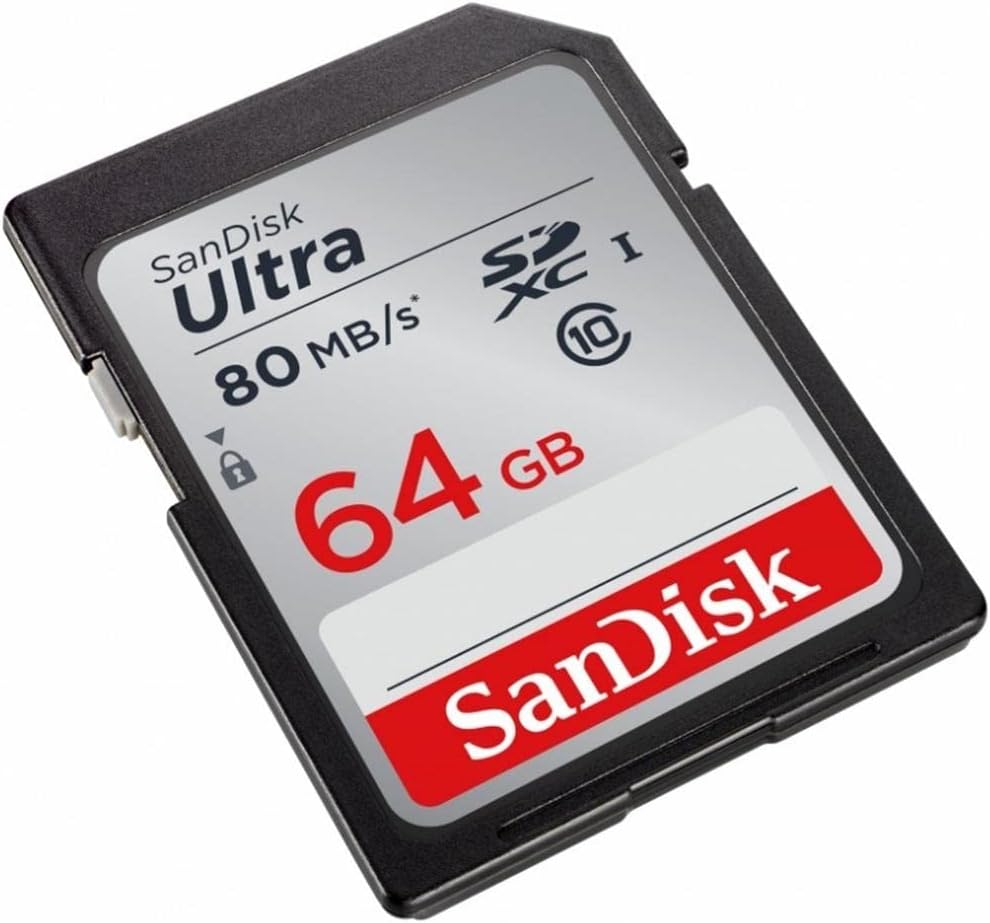
- SD Cards (Secure Digital): The most widely used type memory card, especially in compact cameras and many mirrorless models. SD cards come in several variants, including SDHC and SDXC memory cards. SDXC cards offer higher capacities and faster write speeds, making them suitable for 4K video and burst photography.
- CFexpress Type Cards: These are becoming standard in high-end digital cameras, especially for professionals shooting full video or using strobe lighting. CFexpress cards, like the ProGrade Digital and SanDisk Extreme Pro series, deliver extremely fast read and write speeds, supporting demanding tasks such as 8K video recording and rapid-fire stills.
- CompactFlash (CF) Cards: Once the go-to for professional DSLRs, CF cards are still found in some older or specialized equipment. While robust and reliable, they’re gradually being replaced by faster CFexpress cards.
- XQD Cards: Used in select camera bodies, XQD cards offer high speed and durability. However, they are less common and are being phased out in favor of CFexpress type cards.
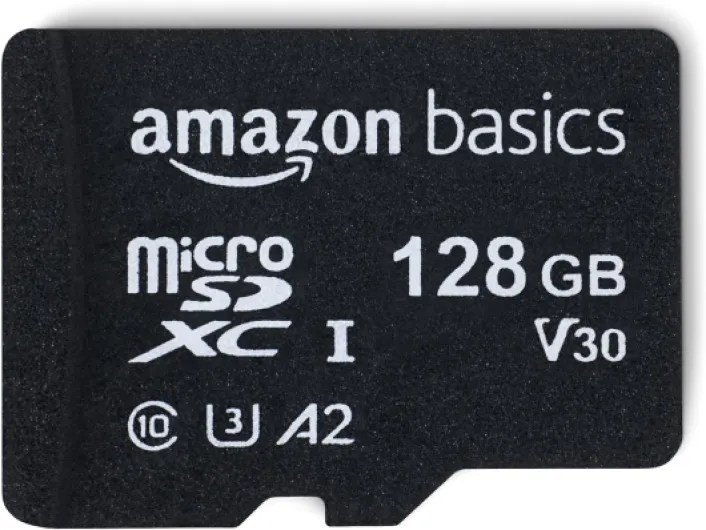
- MicroSD Cards: Typically used in action cameras, drones, or as a backup in some compact digital cameras. They require an adapter for use in standard SD slots and may not offer the same speed as full-size SD cards.
Choosing the Right Card for Your Camera and Workflow
The type of card you need depends on your camera’s compatibility, the kind of photography or video you do, and your accessory setup. For example, shooting large format or medium format images, or recording high-bitrate video, demands cards with higher capacity and speed. Accessories camera users, such as those using external recorders or advanced strobe lighting, should ensure their cards can keep up with the data flow.
Brands like SanDisk Extreme, Extreme Pro, and ProGrade Digital are trusted for reliability and speed. Always check your camera’s manual for supported card types and recommended speed ratings. If you’re curious about how many photos or videos a specific card can hold, check this guide to memory card storage capacity for practical examples.
Remember, your choice of memory card is as crucial as your choice of lens, tripod, or camera bags. The right card ensures smooth shooting, whether you’re capturing fast action, long exposures with light stands, or switching between multiple lenses and mounts during a busy month of shooting.
How to choose the right capacity for your needs
Finding the Right Storage Size for Your Shooting Style
When selecting a memory card for your digital camera, capacity is a crucial factor. The right size depends on your shooting habits, the type of camera you use, and whether you capture mostly photos or full video. For example, a compact camera used for casual snapshots may only need a smaller SDXC memory card, while a medium format or large format digital camera shooting high-resolution RAW files will require much more space.
- Photo vs. Video: Still photography, especially with film cameras or digital cameras shooting JPEGs, uses less memory than recording high-bitrate video. If you plan to shoot 4K or even 8K video, consider cards with higher capacities, such as 128GB or more.
- Frequency of Use: If you shoot daily or during long trips, a larger card pack or multiple cards can prevent running out of space. Professionals often carry several cards in camera bags or cases for backup.
- Equipment Compatibility: Some cameras, especially those with CFexpress Type or XQD slots, support higher-capacity cards. Check your camera’s specifications before buying.
Brands like Sandisk Extreme, Prograde Digital, and Extreme Pro offer a range of capacities and are trusted for reliability. Always consider your workflow: if you use accessories camera setups, strobe lighting, or video accessories, you may generate more data and need larger cards.
For those who use tripods, light stands, or mount multiple lenses and heads, having extra memory cards ensures you won’t miss a shot due to a full card. Remember, the month or season can affect your shooting volume—holidays or events may require more storage.
Choosing the right capacity is also about balancing cost and convenience. Larger cards reduce the need to swap cards during a shoot, but smaller cards can be safer if you want to minimize data loss risk. For more on choosing gear that fits your workflow, check out this guide on selecting the best camera with a hot shoe for your photography needs.
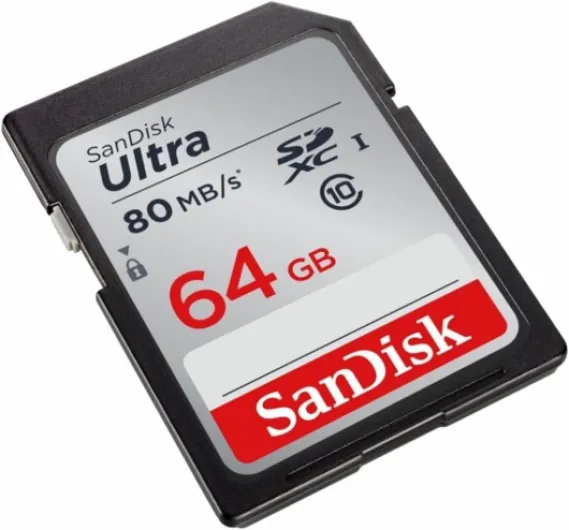

Speed ratings and their impact on performance
Why Speed Ratings Matter for Your Camera
When selecting a memory card for your digital camera, speed ratings are a crucial factor. The speed of your card affects how quickly your camera can write images or video files, especially when shooting in burst mode or recording full video in high resolution. If your card is too slow, you might experience delays, missed shots, or even recording errors.
- Write Speeds: This is the rate at which data is saved to the card. For photographers using large format or medium format digital cameras, or those capturing RAW files, higher write speeds are essential. Cards like the Sandisk Extreme Pro or ProGrade Digital are popular for their reliable performance in demanding situations.
- Read Speeds: This affects how quickly you can transfer files from the card to your computer or other equipment. Fast read speeds are helpful for professionals who need to deliver images or video quickly.
- Speed Classes: Look for speed class symbols such as UHS-I, UHS-II, V30, V60, or V90 on SDXC memory cards. For 4K video or strobe lighting setups, a higher video speed class ensures smooth recording without dropped frames.
- CFexpress Type: For advanced cameras, CFexpress Type cards offer extremely high speeds, ideal for full video production, high-resolution bursts, and working with accessories like external recorders or light stands.
Matching Card Speed to Your Shooting Style
If you use a compact camera for everyday photos, a standard SDXC memory card may be enough. However, for action, sports, or wildlife photography, or when using accessories camera setups like tripods and large lenses, faster cards prevent bottlenecks. Video creators should prioritize cards with high sustained write speeds to avoid interruptions during recording.
Remember, your camera’s manual will list compatible speed classes and card types. Using a card below the recommended speed can limit your camera’s performance, regardless of other accessories or cases you use. Investing in the right card pack, such as Sandisk Extreme or ProGrade Digital, can save time and frustration in the long run.
Compatibility issues and avoiding common mistakes
Ensuring Your Memory Cards Work Seamlessly with Your Camera
When selecting memory cards for your digital camera, compatibility is a critical factor that can impact both performance and reliability. Not all cards work with every camera model, and using the wrong type can lead to frustrating errors or even data loss. Here’s what you need to keep in mind to avoid common mistakes:
- Check your camera’s supported formats: Most compact and mirrorless digital cameras use SD, SDHC, or SDXC memory cards, while some professional equipment, like large format or medium format cameras, may require CFexpress Type A or B cards. Always consult your camera manual or manufacturer’s website for the recommended card types.
- Match card speed with your shooting style: If you shoot full video, high-resolution images, or use strobe lighting and rapid burst modes, you’ll need cards with fast write speeds. Cards like SanDisk Extreme Pro or ProGrade Digital are designed for demanding video and stills work. Using a slower card can cause delays or recording failures, especially with 4K video accessories.
- Firmware updates matter: Some cameras require firmware updates to support newer memory cards, especially high-capacity SDXC memory or the latest CFexpress cards. Before buying, check if your camera needs an update to ensure proper operation.
- Beware of counterfeit cards: Popular brands such as SanDisk Extreme and ProGrade Digital are often targeted by counterfeiters. Only purchase from authorized dealers to avoid unreliable cards that can corrupt your files or fail unexpectedly.
- Physical fit and mounting: Ensure the card physically fits your camera’s slot. For example, CFexpress Type B cards will not fit in a Type A slot. For film cameras converted to digital backs, double-check the required card mount and format.
Common Pitfalls and How to Avoid Them
- Mixing incompatible cards: Some cameras have dual card slots but may not support mixing SD and CFexpress cards. Always verify compatibility for dual-slot setups.
- Ignoring environmental factors: If you shoot outdoors or travel with your equipment, choose cards and cases rated for temperature and humidity resistance. Accessories like camera bags, card packs, and protective cases help safeguard your memory cards and lenses.
- Accessory compatibility: When using accessories camera gear like light stands, tripods, or video heads, ensure your workflow supports quick card changes and safe storage. This is especially important for event or month-long shoots where you’ll handle multiple cards.
By paying attention to these compatibility details, you’ll avoid common headaches and keep your digital camera, lenses, and memory cards working together smoothly, whether you’re shooting with a compact Fujifilm or a professional large format system.
Best practices for maintaining and backing up your memory chips
Protecting Your Memory Cards from Damage
Keeping your memory cards safe is essential for any digital camera user. Always store your cards in dedicated cases or card packs to prevent physical damage and exposure to dust or moisture. Avoid leaving cards loose in your camera bags or pockets, where they can get scratched or bent. For those using compact or large format equipment, a sturdy case is even more important due to the value of the data stored.
Backing Up Your Images and Video
Regularly backing up your photos and full video files is a habit every photographer should develop. After each shoot, transfer files from your memory card to at least two separate storage locations, such as an external hard drive and a cloud service. This practice is especially important for those working with medium format or film cameras adapted for digital workflows, where file sizes can be substantial.
- Use high-speed card readers compatible with your SDXC memory, CFexpress Type, or other type memory cards to ensure fast and safe transfers.
- Label your cards by month or project to keep your workflow organized.
Maintaining Card Performance and Longevity
To extend the life of your memory cards, format them in your digital camera rather than on a computer. This helps maintain optimal write speeds and reduces the risk of file corruption. Avoid filling cards to maximum capacity, as this can slow down performance, especially when shooting video or using high-speed modes with strobe lighting or light stands.
- Stick with reputable brands like SanDisk Extreme, Extreme Pro, or ProGrade Digital for reliability.
- Rotate your cards to distribute wear evenly, especially if you shoot frequently or use multiple lenses and accessories camera.
Handling and Cleaning Tips
Always handle cards by the edges to avoid fingerprints on the contacts. If you notice dirt, gently clean the contacts with a soft, dry cloth. Never use liquids. For those working outdoors with tripod, mount, or video accessories, extra care is needed to prevent dust and debris from entering your equipment or cards.