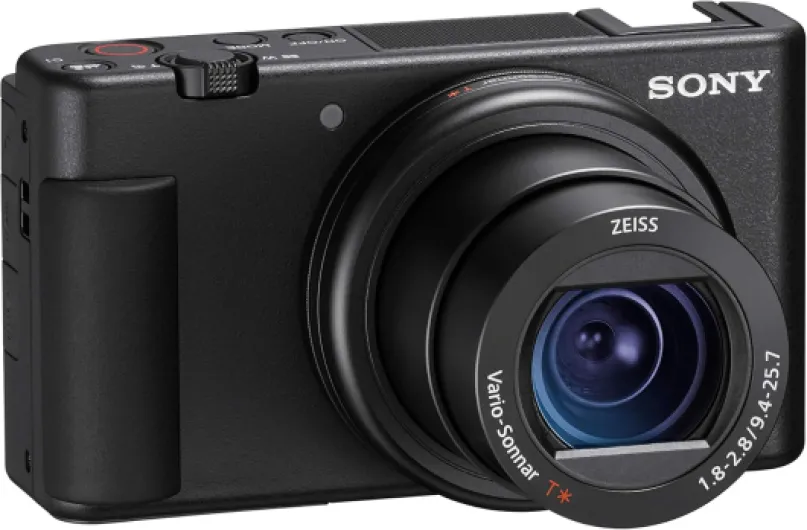
Essential video features vloggers should prioritize in a vlogging camera
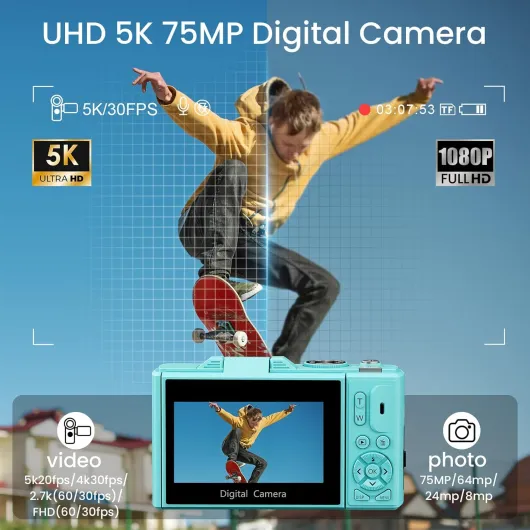
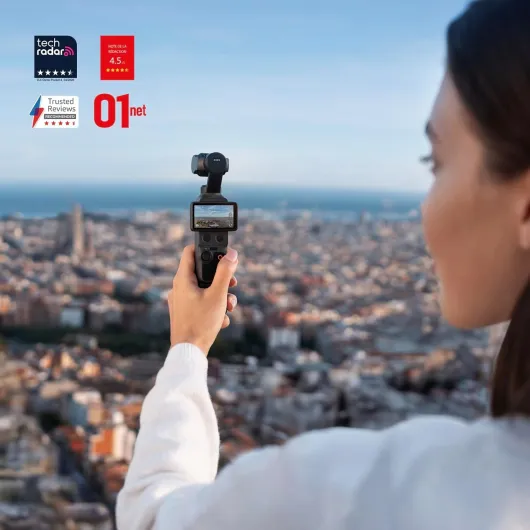
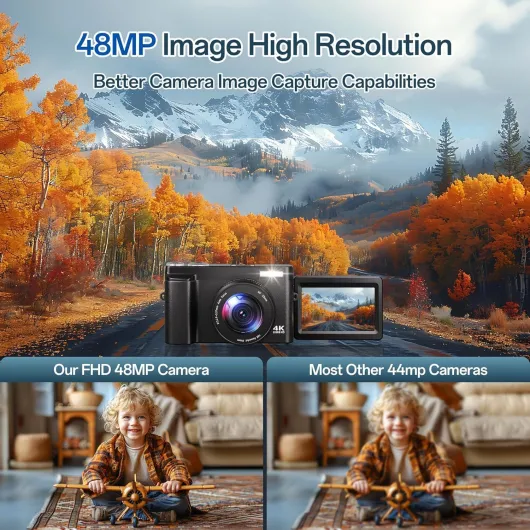
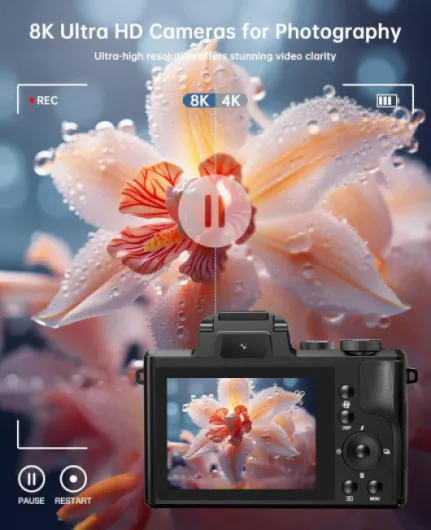
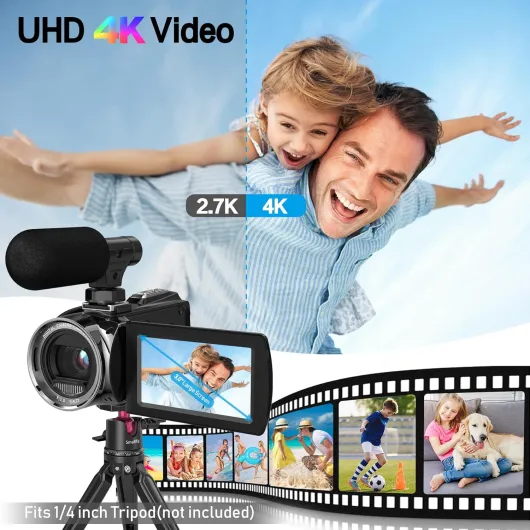
Video specifications define whether a vlogging camera can keep up with demanding content schedules. Look for cameras that offer 4K video with minimal crop, because a heavy crop can undermine your wide angle framing indoors. Many vloggers also value high frame rate video for smooth slow motion sequences that elevate perceived quality.
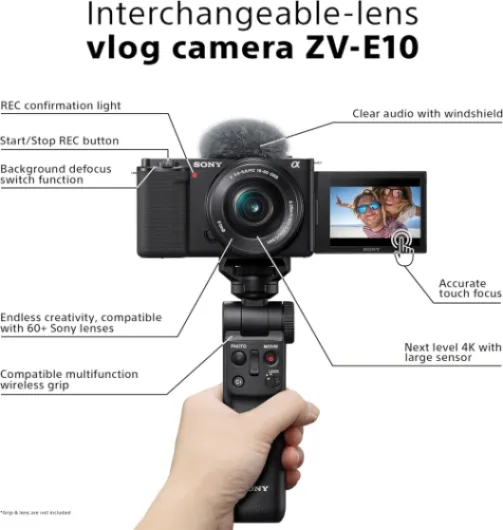
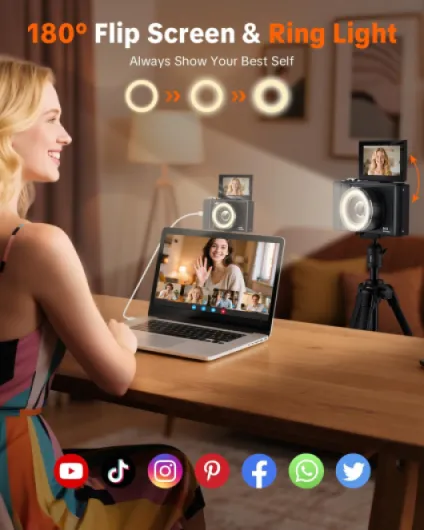
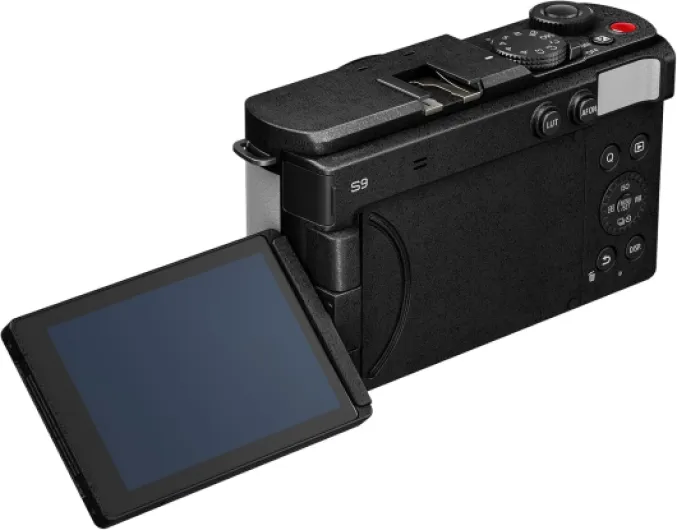
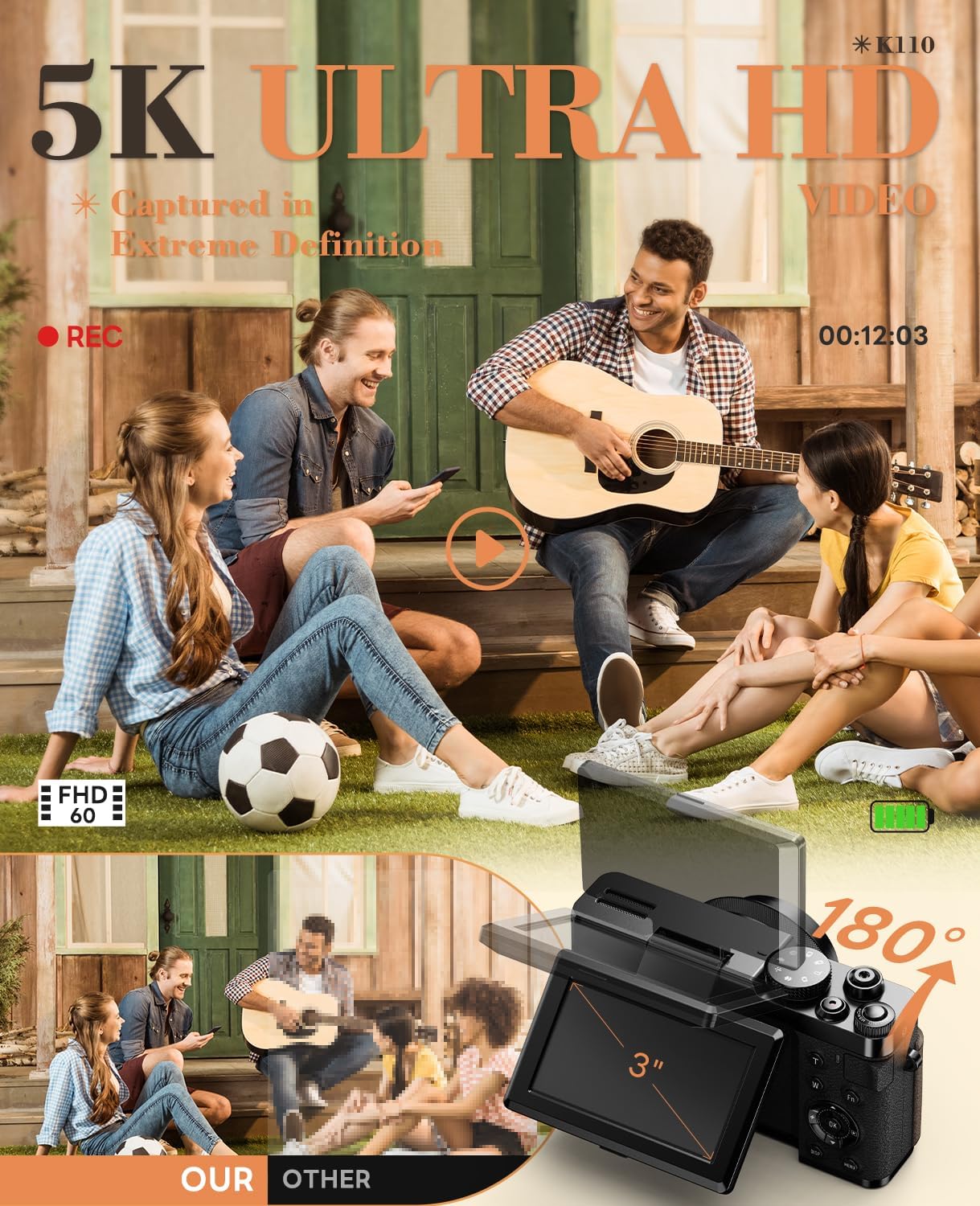
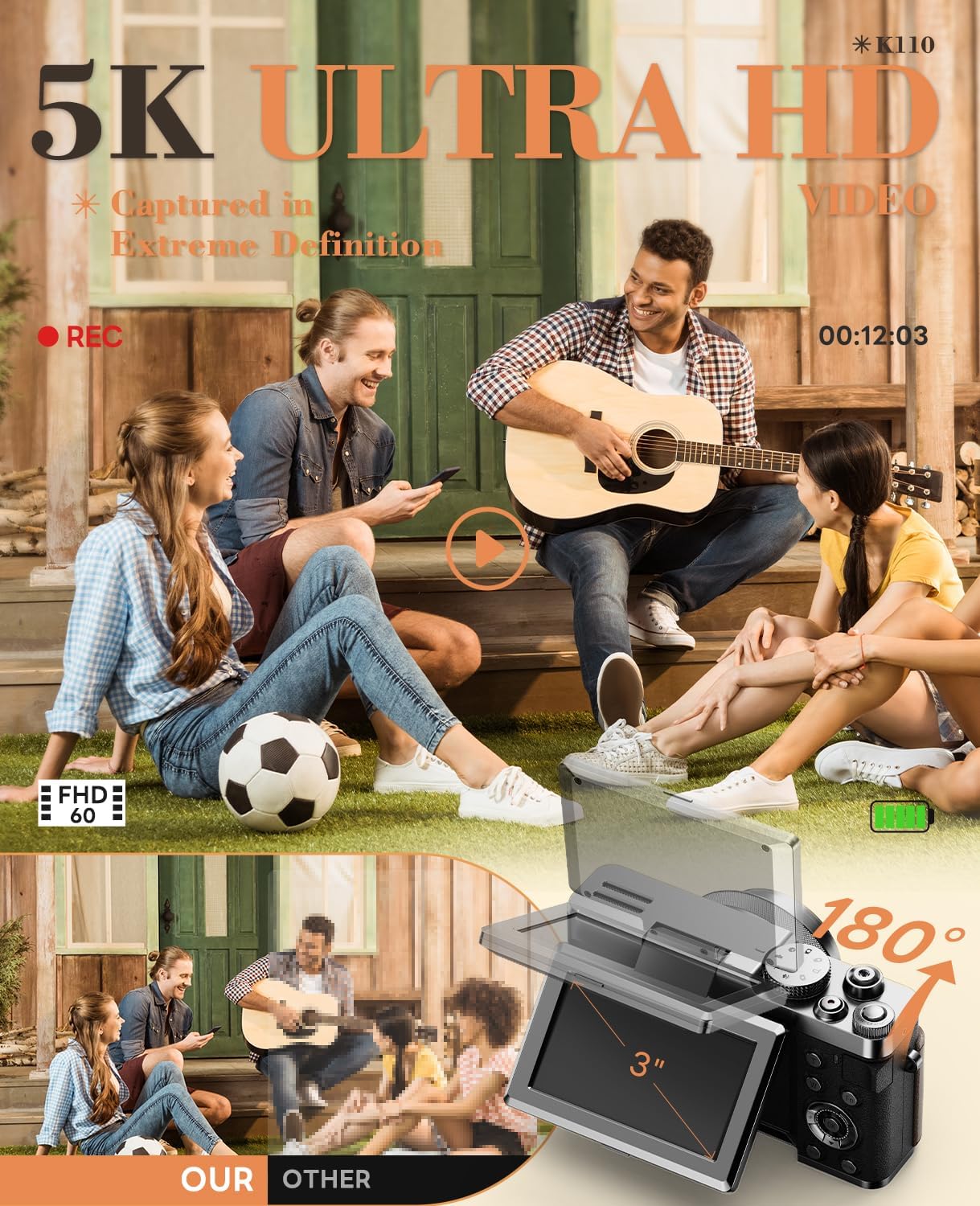
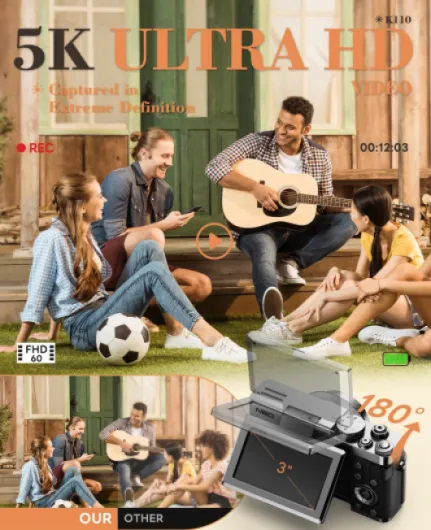
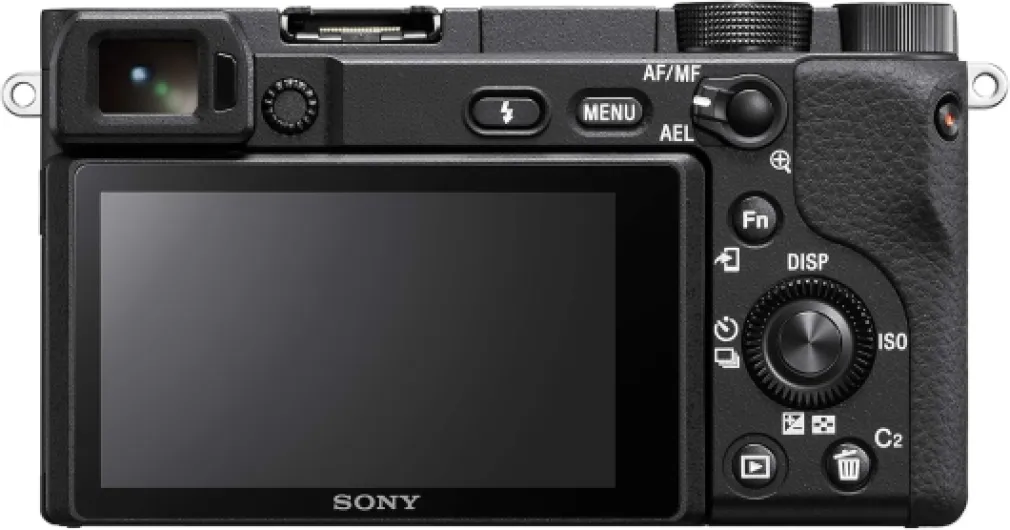
A flip screen is almost mandatory for modern vlogging cameras, since a flip screen lets you monitor framing, focus, and exposure while speaking to the lens. When comparing the best cameras for handheld work, check whether the flip screen remains visible when an external mic is mounted on the hot shoe. Some compact camera bodies block the flip screen with larger external mic setups, which can frustrate content creators.
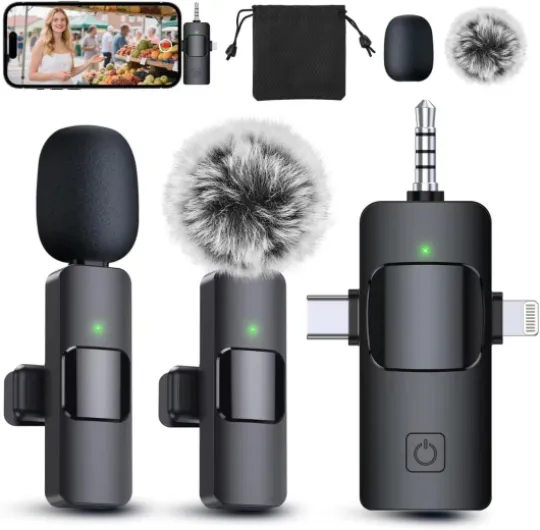
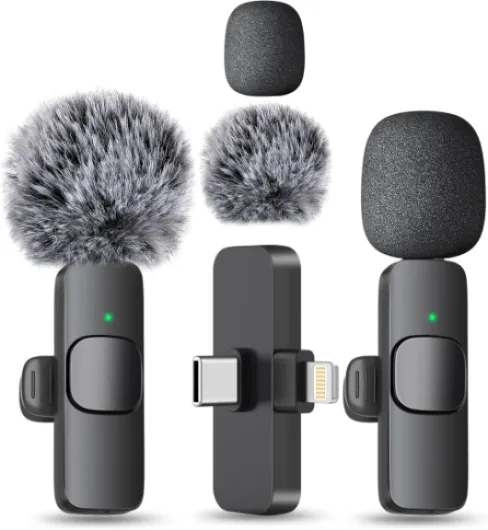
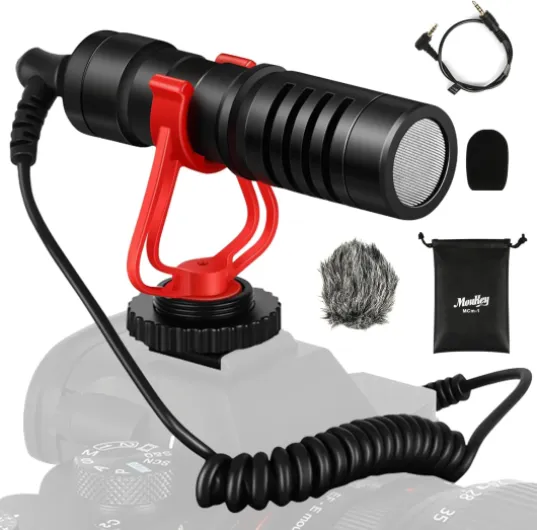
Reliable audio is as important as sharp image quality, so prioritize a vlogging camera with a clean microphone input. Many mirrorless cameras now support both an external mic and digital audio accessories through the hot shoe, which simplifies compact rigs. If you often shoot in noisy streets, pair your camera body with a directional external mic to isolate your voice from background sounds.
Connectivity also matters, especially for camera youtube workflows where fast transfer is essential. A body that offers both USB and HDMI ports, ideally USB HDMI combinations, will integrate more easily with streaming setups. When filming from a moving car or motorcycle, consider using a secure camera suction cup mount to protect your cameras and stabilize video.
How lenses shape the look of your vlogging content
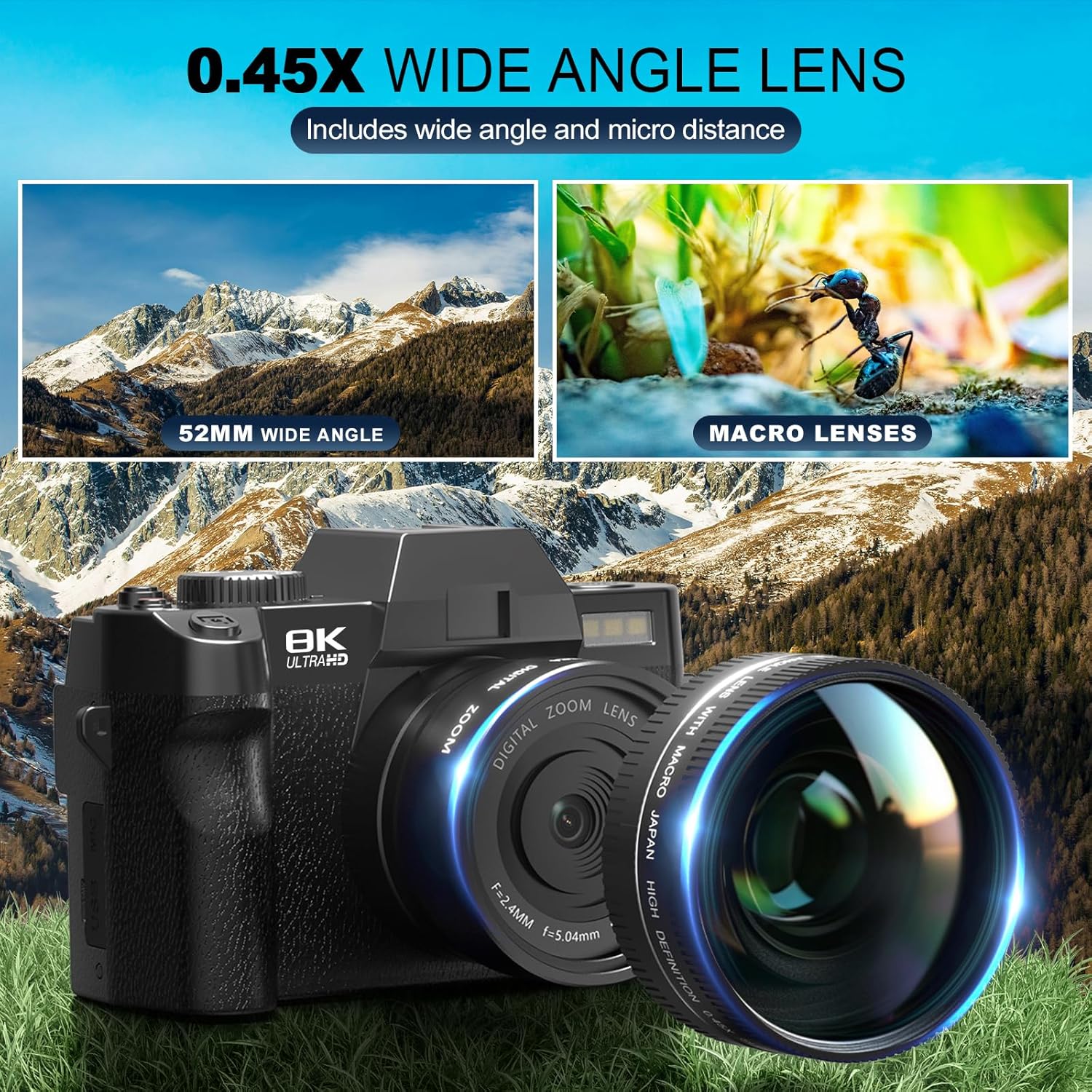
The lens you choose influences your vlogging style as much as the camera body itself. For talking to camera at arm’s length, a wide angle lens between 16 mm and 24 mm on an APS sensor usually feels natural. On full frame cameras, many vloggers prefer a wide angle prime around 20 mm for immersive yet flattering framing.
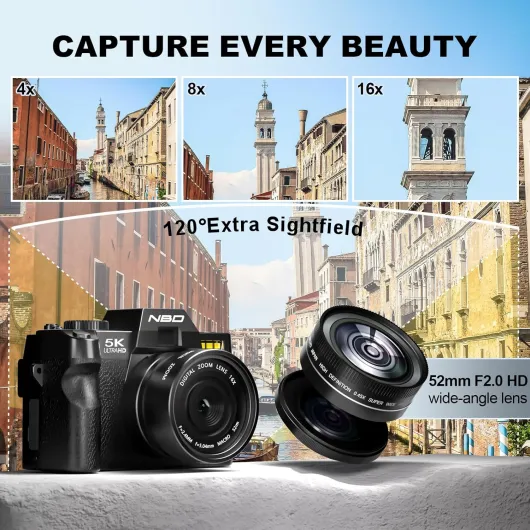
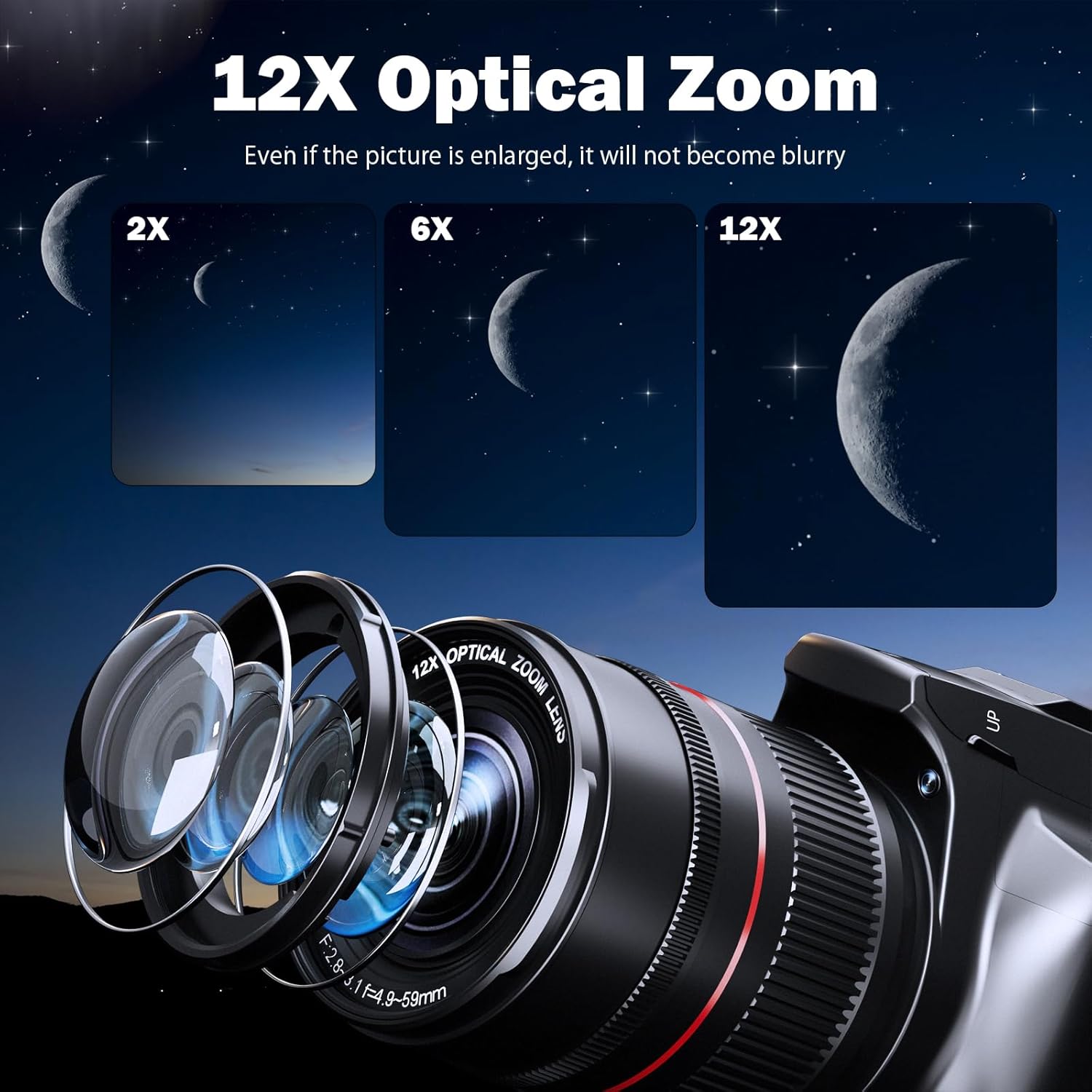
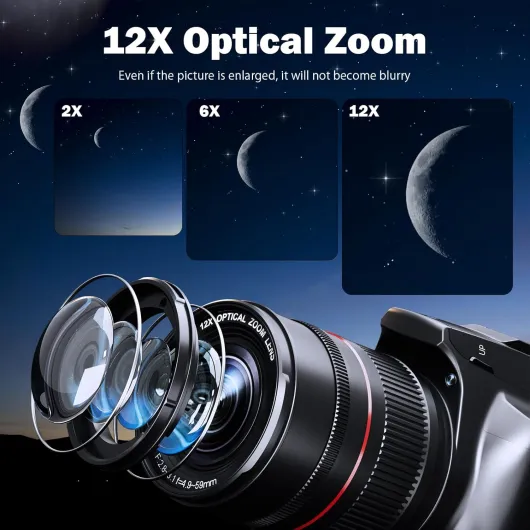
A versatile zoom lens can transform a single vlogging camera into a multi purpose tool. Travel vloggers often rely on a compact zoom lens that covers wide to short telephoto, allowing both establishing shots and tighter portraits. When evaluating the best digital cameras for vlogging, check which lenses are available in lightweight versions, because heavy glass quickly tires your wrist.
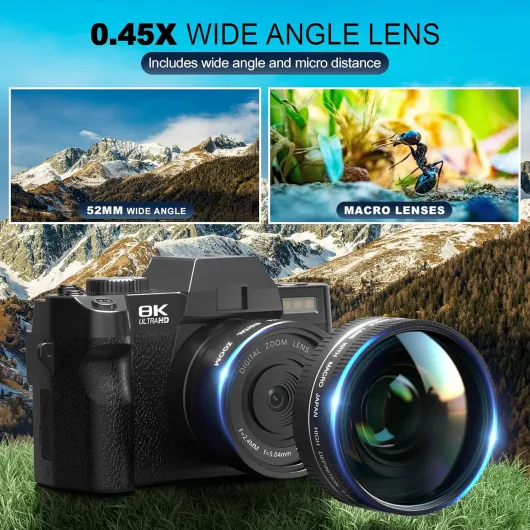
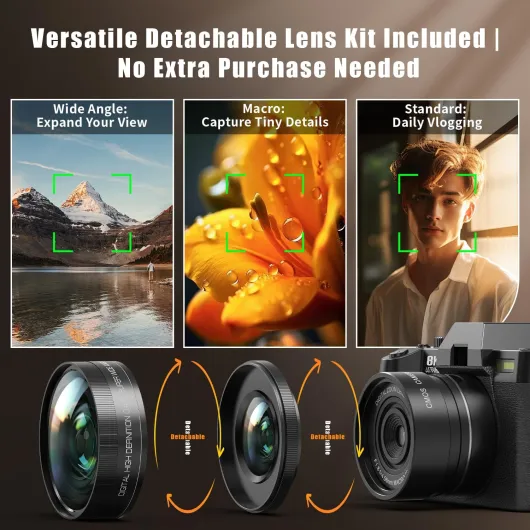
Creators who film product close ups or cinematic b roll may benefit from macro or micro lens options. Pairing a micro lens with extension tubes, such as those discussed in this guide to top extension tubes for cameras, lets you capture extreme detail without buying multiple specialist lenses. These combinations work well on both APS sensor bodies and full frame systems, provided the lens mount supports them.
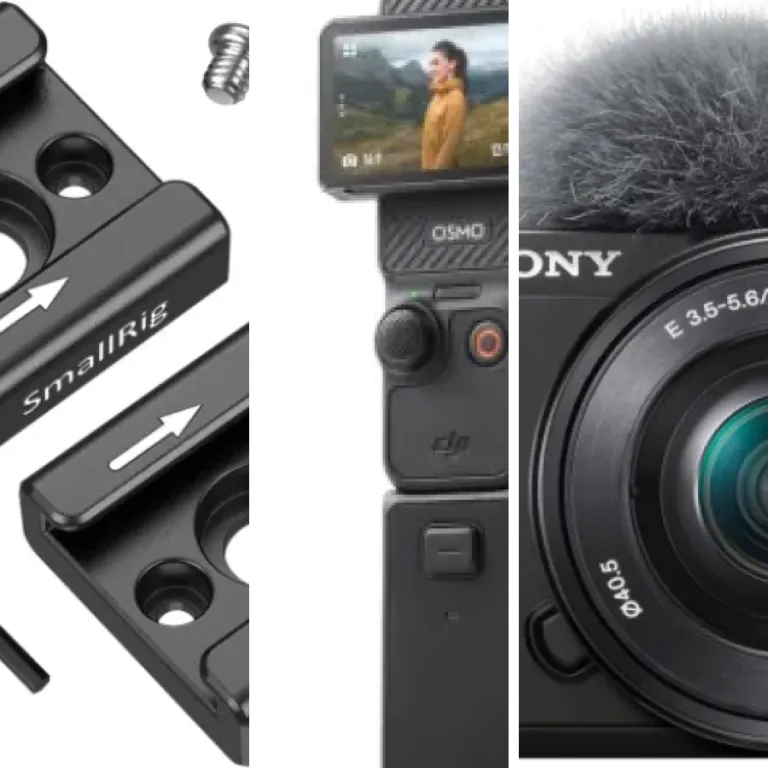
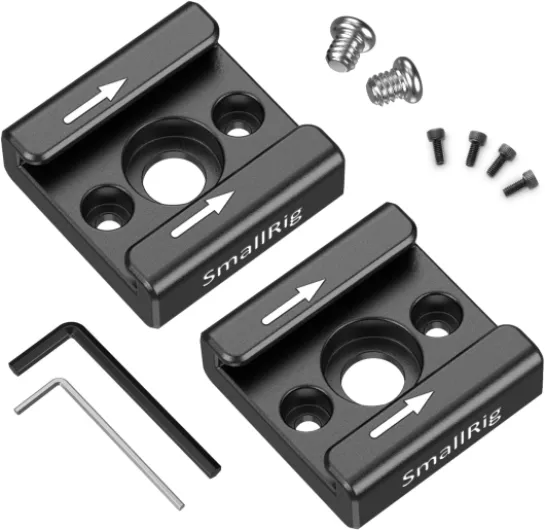
Stabilization inside the lens can complement in body stabilization, especially for small vlogging rigs without gimbals. Many mirrorless cameras from Canon, Sony, and Panasonic Lumix now coordinate lens and body stabilization for smoother handheld video. To protect your investment, consider using dedicated camera cages for mirrorless cameras that add mounting points for lights, external mic units, and handles.
Comparing Canon, Sony, and Panasonic Lumix options for vloggers
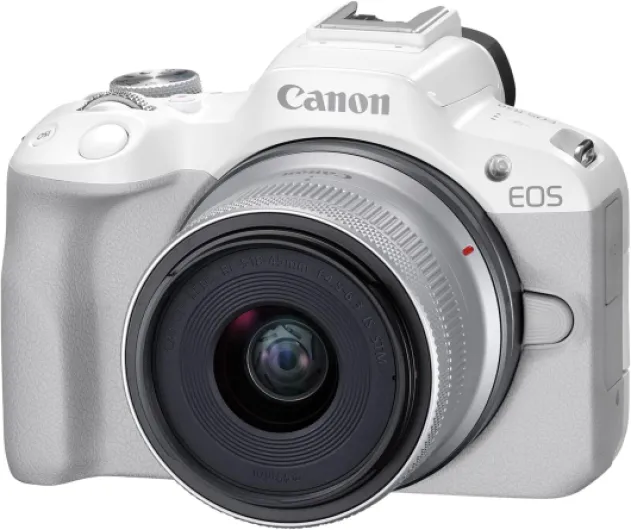
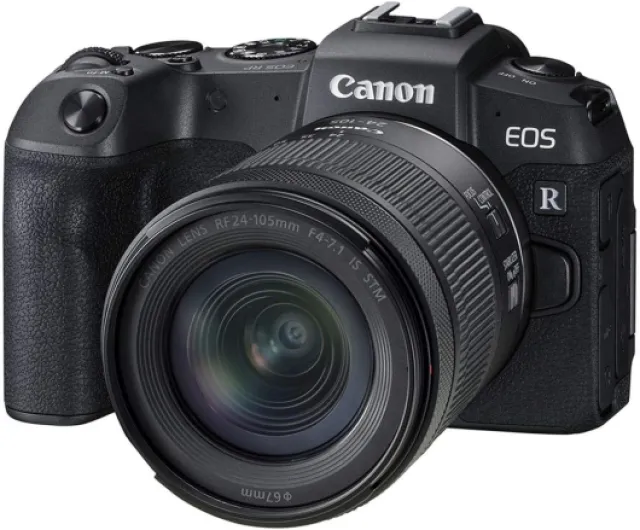
Canon, Sony, and Panasonic Lumix each offer strong candidates among the best digital cameras for vlogging. Canon has built a loyal base of vloggers through its Canon EOS line, which includes compact APS sensor bodies and more advanced full frame models. A Canon EOS body with Dual Pixel autofocus can track faces smoothly, which is crucial when you move frequently while speaking to the lens.
Many creators appreciate how a Canon vlogging camera renders skin tones, especially in mixed lighting. The latest Canon EOS mirrorless cameras support clean HDMI output, USB streaming, and intuitive touch interfaces that simplify camera youtube workflows. When choosing between Canon cameras, compare whether each body offers micro HDMI or full size HDMI, because cable durability matters for frequent streaming.
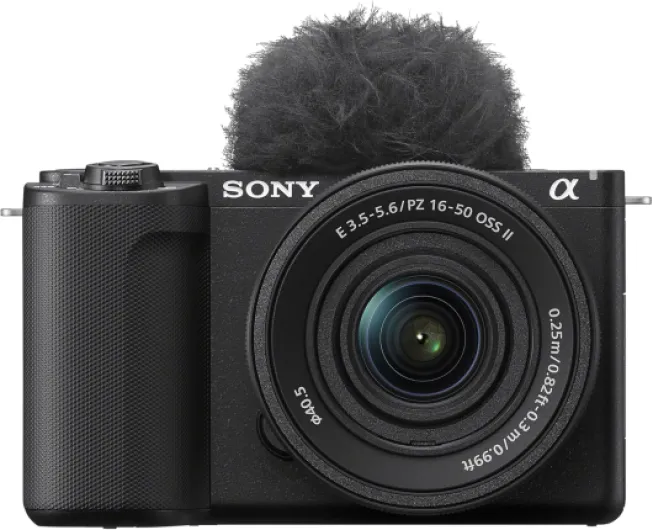
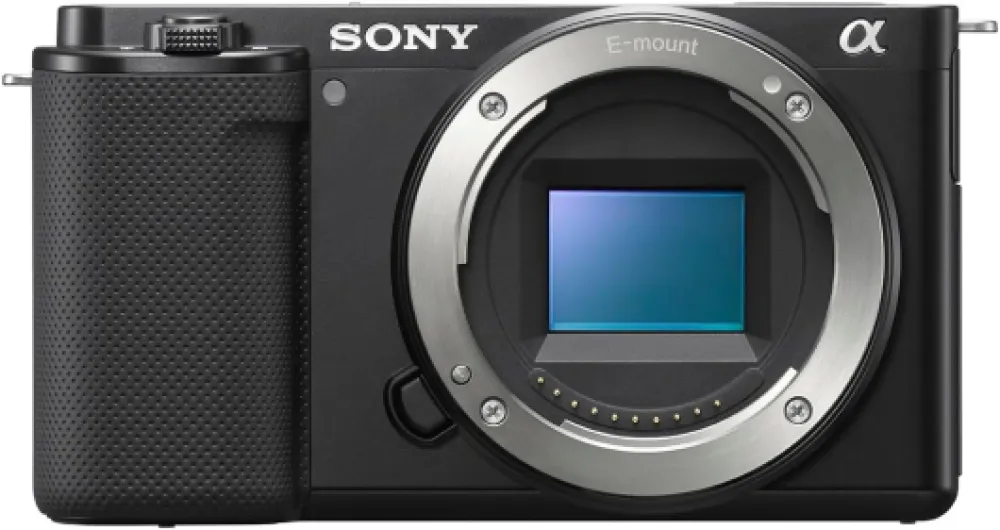
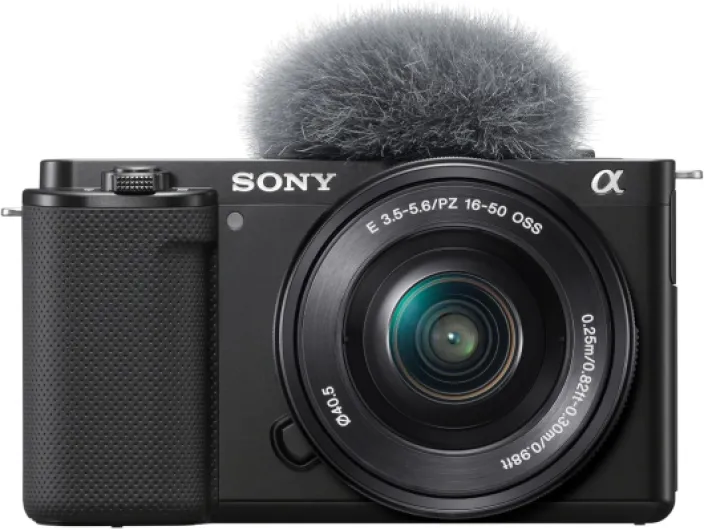
Sony mirrorless cameras have become popular with content creators who prioritize autofocus speed and compact bodies. A small Sony body with a fast wide angle zoom lens can form a powerful yet discreet small vlogging kit. Sony cameras also tend to offer strong low light performance from their CMOS sensor designs, which benefits night street vlogging.
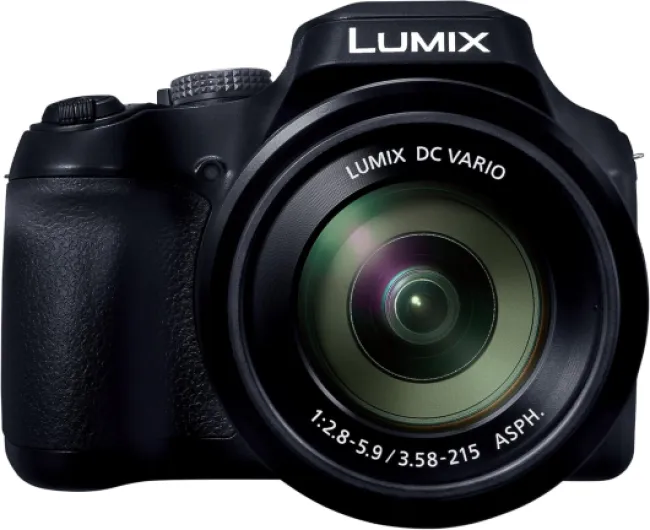
Panasonic Lumix cameras remain respected for video centric features, including advanced codecs and flexible HDMI micro or full HDMI outputs. Some Panasonic Lumix bodies emphasize video tools like waveform monitors and unlimited recording, which appeal to hybrid vloggers and filmmakers. When comparing these brands, focus less on logo loyalty and more on which specific vlogging cameras align with your shooting style.
Connectivity, power, and ergonomics for real world vlogging cameras
In practical use, the best digital cameras for vlogging must handle long days of shooting without constant interruptions. Battery life, charging options, and port placement all influence how smoothly your content production flows. A body that charges over USB allows you to top up power from power banks between scenes.
Many modern vlogging cameras support USB HDMI output simultaneously, enabling both charging and clean video feeds. Check whether your chosen camera uses micro HDMI, HDMI micro, or full size HDMI, because each connector affects cable robustness. For live streaming and camera youtube setups, a reliable USB HDMI connection reduces dropouts and sync issues.
Audio and monitoring ports also matter, especially when you rely on an external mic and headphones. Some compact mirrorless cameras omit headphone jacks, forcing vloggers to trust on screen meters rather than real monitoring. If audio quality is central to your content, prioritize a vlogging camera that supports both an external mic and headphone output.
Ergonomics can be overlooked, yet a comfortable grip and intuitive controls keep you filming longer. Test how the camera body feels with your preferred lens, because a front heavy combination can strain your wrist during small vlogging sessions. Pay attention to how easily you can reach record buttons, flip the flip screen, and adjust exposure without taking your eyes off the scene.
Balancing budgets, upgrades, and long term flexibility for content creators
For many content creators, the challenge is balancing budget constraints with the desire for the best cameras. Instead of chasing every new vlogging camera release, focus on a system that can grow with your skills. A solid APS sensor body with a good wide angle zoom lens often outperforms a more expensive body paired with poor glass.
When planning upgrades, think in terms of ecosystem rather than isolated cameras. Canon EOS, Sony, and Panasonic Lumix each offer lens roadmaps, accessories, and third party support that influence long term value. Choosing a mirrorless camera system with abundant lenses, cages, and audio options will keep your vlogging cameras relevant longer.
Connectivity standards like USB, USB HDMI, and micro HDMI also affect future flexibility. A body that supports clean HDMI micro output can double as a streaming camera youtube tool when paired with a capture card. This versatility lets vloggers repurpose older cameras as static angles while newer bodies handle primary handheld work.
Finally, remember that the best digital cameras for vlogging are those you feel inspired to use daily. A compact small vlogging setup with a responsive CMOS sensor and reliable flip screen will encourage spontaneous filming. By prioritizing comfort, lens options, and realistic video needs, you build a vlogging kit that supports consistent, engaging content for years.
Key statistics about digital cameras for vlogging
- Global shipments of mirrorless cameras have grown significantly compared with traditional DSLRs, reflecting the shift toward lighter vlogging setups.
- Industry surveys show that a majority of vloggers now prioritize autofocus performance and flip screen design over pure megapixel counts.
- Streaming platforms report that channels using dedicated cameras instead of smartphones often achieve higher average watch times.
- Market data indicates that APS sensor and full frame bodies together represent the largest share of cameras used by professional content creators.
Common questions about choosing the best digital cameras for vlogging
Which sensor size is best for vlogging ?
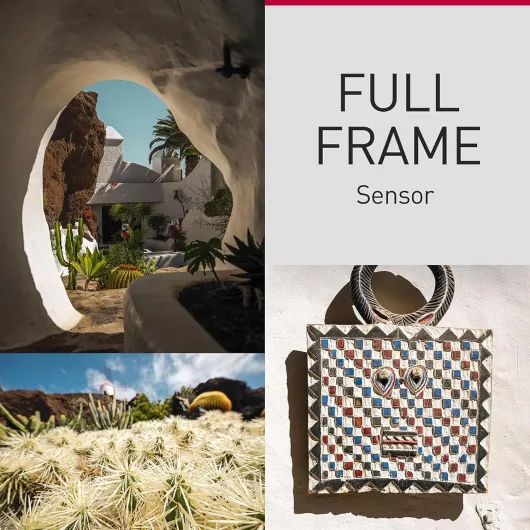
For most vloggers, an APS sensor offers the best balance between image quality, low light performance, and manageable lens sizes. Full frame sensors provide superior dynamic range and background blur but require larger, heavier lenses. Smaller sensors can work for travel or action vlogging, yet they demand more light and careful lens choices.
Do I really need a flip screen for vlogging ?
A flip screen is not absolutely mandatory, but it makes framing and focus checks far easier when filming yourself. Without a flip screen, you must rely on guesswork or external monitors, which complicates small vlogging setups. For solo creators, a reliable flip screen is one of the most valuable features on any vlogging camera.
Is a dedicated microphone necessary if my camera has built in audio ?
Built in microphones on cameras capture basic sound but often pick up too much ambient noise. An external mic dramatically improves clarity, especially for speech focused content in busy environments. For professional sounding vlogs, pairing your vlogging camera with a directional external mic is strongly recommended.
Should beginners start with Canon, Sony, or Panasonic Lumix ?
All three brands offer excellent entry level mirrorless cameras suitable for vlogging. Your choice should depend on ergonomics, menu preferences, available lenses, and specific video features you value most. Whenever possible, handle each camera body in person to see which system feels most intuitive.
How important are HDMI and USB ports for camera youtube setups ?
HDMI and USB ports are crucial if you plan to stream or use your camera as a webcam. A clean HDMI or USB HDMI connection ensures stable video feeds and easier integration with capture devices. For creators who only record internally and edit later, these ports remain useful but slightly less critical.

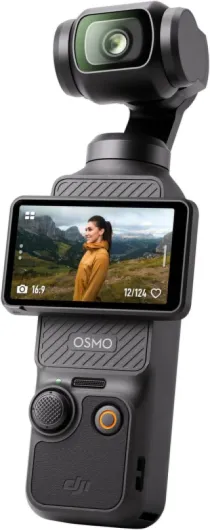

![PowerShot Digital Camera [G7 X Mark III] with Wi-Fi & NFC - International Version - Black](https://www.digital-camera-guru.com/storage/708023/conversions/71roTIT5tHL._AC_SL1404_-medium.webp)