
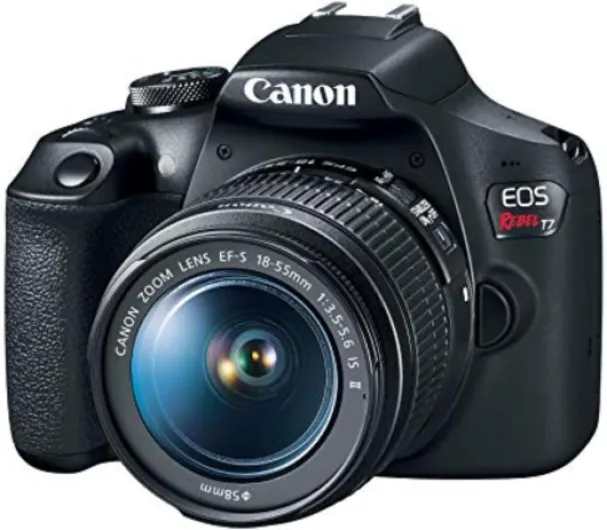

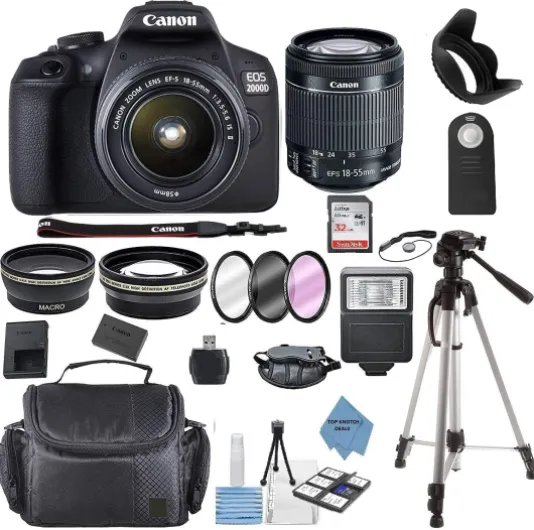
Understanding what makes a DSLR good for videography
What Sets a DSLR Apart for Video Work
When searching for the best DSLR camera for videography, it’s important to understand what features and qualities make a DSLR stand out for video recording. While many cameras can shoot video, not all deliver the image quality, flexibility, and reliability that serious videographers need. Here’s what you should know before making your choice.
Sensor Size and Image Quality
The sensor is the heart of any camera, and it plays a huge role in video performance. DSLRs often feature larger sensors, such as APS-C or full frame, which capture more light and detail. This leads to higher image quality, better low-light performance, and more cinematic depth of field. Full frame sensors, in particular, are prized for their ability to produce high quality video with beautiful background blur.
Frame Rates and Video Resolution
Frame rates (measured in fps) determine how smooth your video looks. The best DSLRs offer a range of frame rates, from standard 24 fps for a filmic look to 60 fps or higher for slow-motion effects. Look for cameras that support high resolution recording, such as 4K, to ensure your footage remains sharp and detailed.
Autofocus and Manual Controls
Reliable autofocus is essential for capturing moving subjects. Some DSLRs, like the Canon EOS series, have advanced autofocus systems that track subjects smoothly during video. Manual controls for exposure, focus, and audio give you more creative control, which is key for professional results.
DSLRs vs Mirrorless for Video
While mirrorless cameras are gaining ground, DSLRs still offer advantages like longer battery life and a wide selection of compatible lenses. However, mirrorless dslr models are catching up fast in terms of video features and portability. Comparing dslrs mirrorless options is a smart step before you buy.
Lens Compatibility and Flexibility
One of the biggest strengths of dslr cameras is the vast range of lenses available. Whether you need a fast prime for low light or a zoom for versatility, DSLRs like the EOS Mark III or Canon EOS lines offer plenty of choices. The right lens can make a huge difference in your video quality and creative options.
Further Reading
If you’re interested in exploring how different camera systems compare for creative projects, check out this guide on choosing the right Leica camera for your needs.
Essential features to look for in a DSLR for video
Key Video Features That Matter
When searching for the best DSLR camera for videography, it’s important to focus on features that directly impact your video quality and shooting experience. Not all DSLRs are created equal, and some models offer significant advantages for video recording. Here’s what to pay attention to:
- Sensor Size: Full frame sensors generally deliver better image quality, especially in low light. APS-C sensors (often called crop sensors) can still produce high quality video, but may affect your field of view and depth of field.
- Frame Rates: Look for cameras that offer a range of frame rates (fps), such as 24, 30, and 60 fps. Higher rates allow for smooth motion and slow-motion effects, which are popular in creative video projects.
- Autofocus Performance: Fast and accurate autofocus is crucial for keeping your subject sharp, especially if you’re moving or filming action. Some DSLRs, like the Canon EOS series, have advanced autofocus systems designed for video.
- Recording Limits: Many DSLRs have a maximum video recording time per clip, often around 30 minutes. If you need to record longer sessions, check the camera’s specs or consider models with unlimited recording.
- Audio Inputs: Built-in microphones rarely deliver professional audio quality. Look for a DSLR with a microphone input and, ideally, a headphone jack for monitoring sound while recording.
- Screen Articulation: A fully articulating or tilting screen makes it easier to frame your shots, especially for vlogging or shooting from tricky angles.
- Battery Life: Video recording drains batteries quickly. DSLRs are known for decent battery life, but it’s wise to check real-world performance and consider spare batteries for longer shoots.
- Lens Compatibility: The ability to use a wide range of lenses is a major advantage of DSLRs. Make sure your camera supports lenses that suit your video style, whether you need wide angle, telephoto, or fast prime lenses.
Other Considerations for High Quality Video
Beyond the basics, some features can make a big difference in your workflow and final results:
- Manual Controls: Direct access to ISO, aperture, and shutter speed lets you fine-tune your image for the best results.
- In-Body Stabilization: While not common in all DSLRs, stabilization helps reduce camera shake, especially when shooting handheld video.
- HDMI Output: Clean HDMI output is essential if you plan to use external recorders or stream live video.
For those who value comfort during long shoots, exploring the benefits of cameras with ergonomic handles can help you choose a model that feels good in your hands and supports stable shooting.
As you compare DSLRs, mirrorless cameras, and even mirrorless DSLR hybrids, keep these features in mind to ensure you get the best video performance for your needs. The right combination of sensor, autofocus, frame rates, and audio options will help you capture high quality, professional-looking video every time.
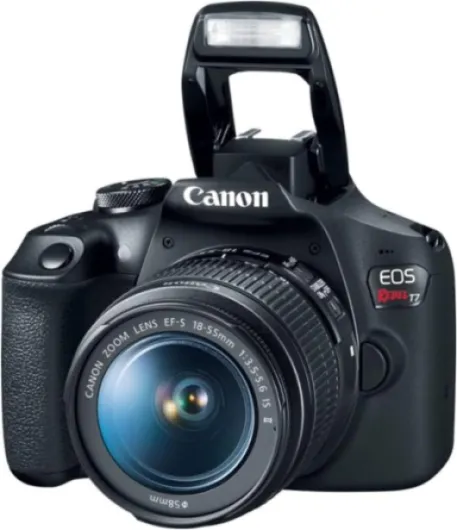
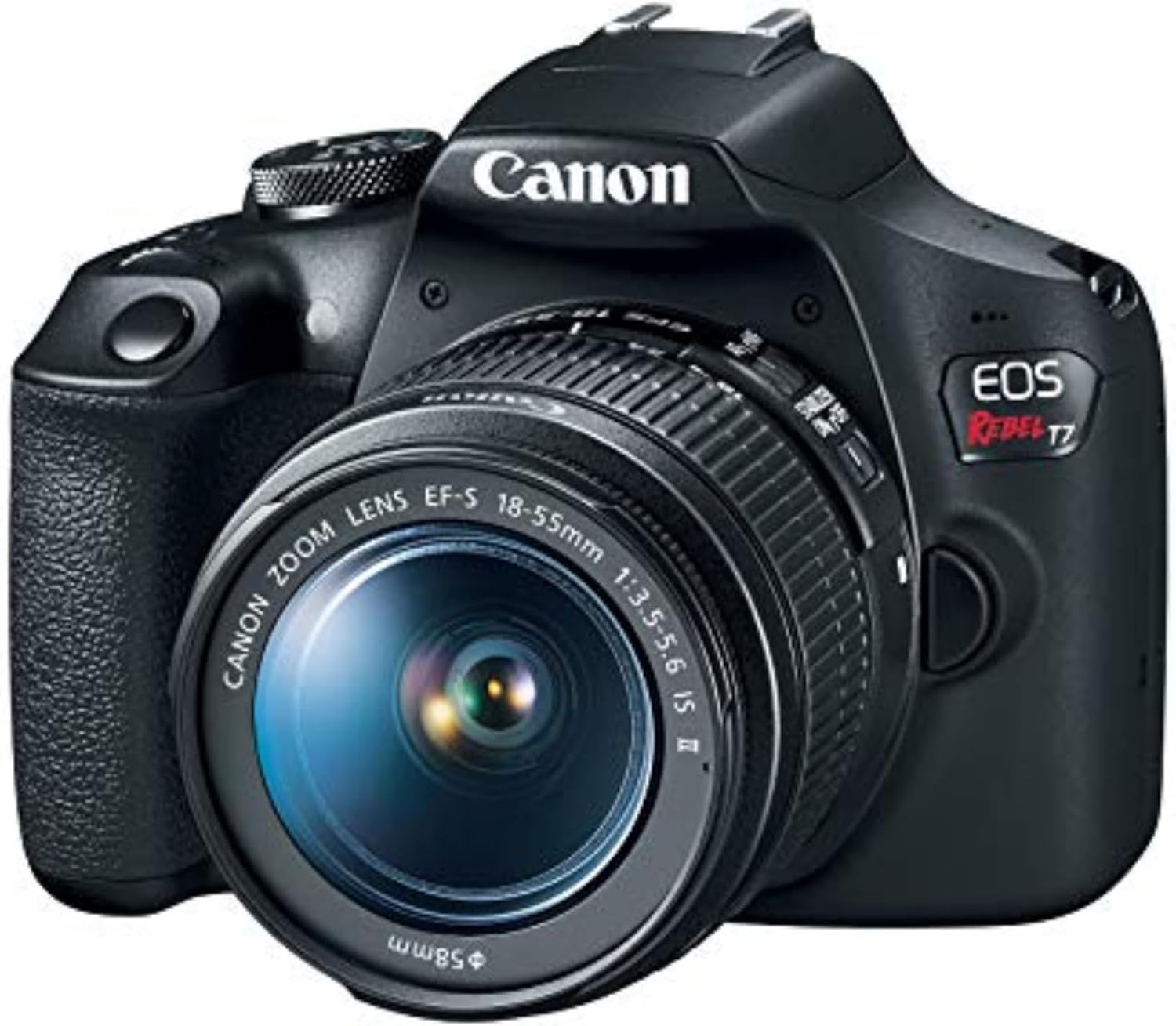
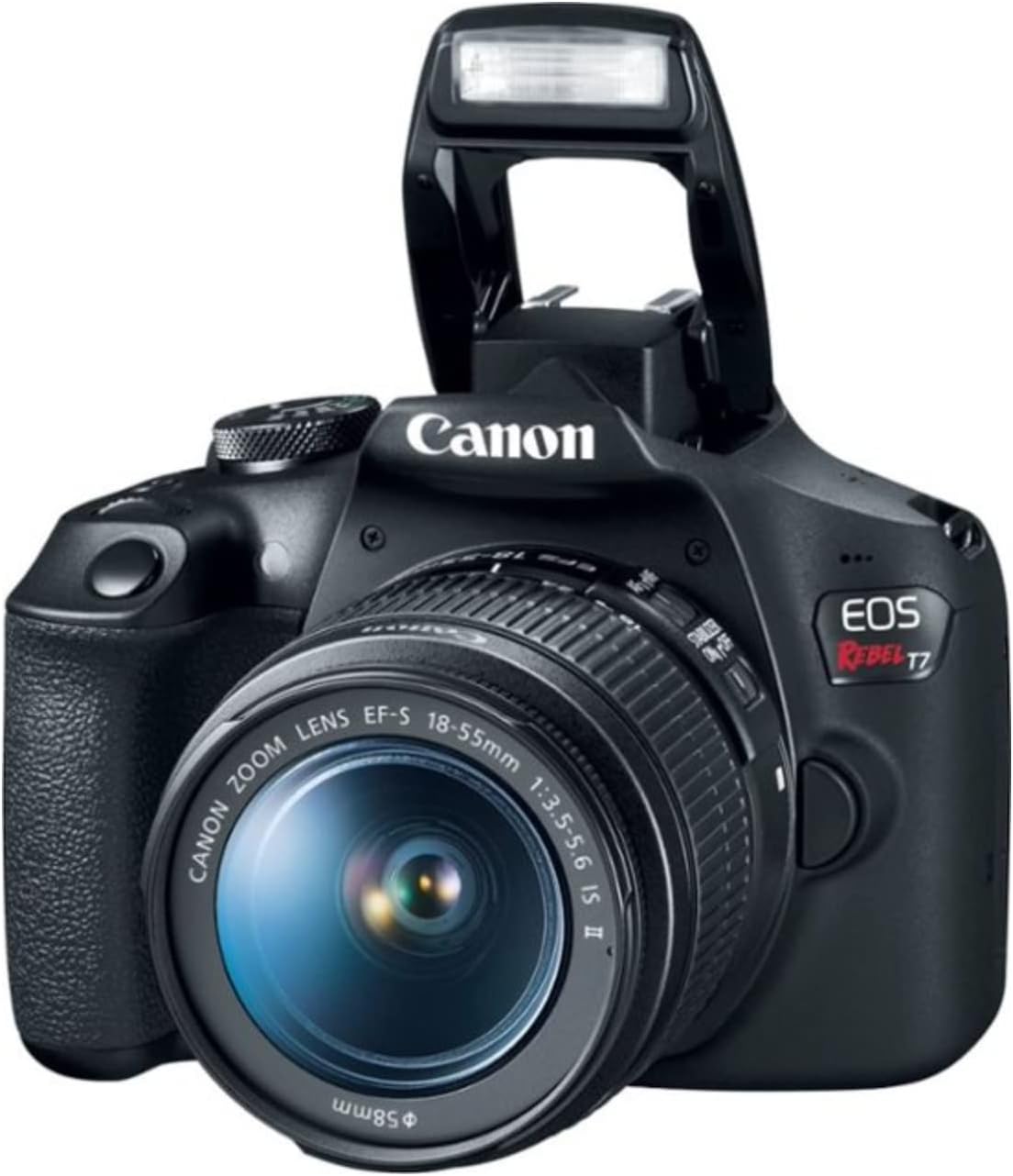
- + Two Lenses Included: EF 18-55mm and EF 75-300mm
- + Beginner Friendly: Easy to use for new photographers
- + High Image Quality: Great for photos and videos
- + Interchangeable Lenses: Flexible for different shooting situations

Popular DSLR models for videography
DSLRs That Stand Out for Video Recording
When searching for the best DSLR camera for videography, several models consistently earn praise for their high quality video, reliable autofocus, and versatile frame rates. These cameras offer strong image quality, robust build, and features that meet the demands of both beginners and professionals. Here’s a look at some of the most popular choices among videographers:
- Canon EOS 90D: Known for its impressive 32.5MP APS-C sensor, the EOS 90D delivers crisp image quality and 4K video recording without a crop. Its fast autofocus and vari-angle touchscreen make it a favorite for solo shooters and vloggers. The camera’s battery life is also a plus for longer shoots.
- Canon EOS 5D Mark IV: This full frame DSLR is a classic for high quality video. The 5D Mark IV offers 4K recording, excellent color science, and strong low-light performance. Its robust build and dual card slots make it a reliable choice for professional work.
- Nikon D850: With a 45.7MP full frame sensor, the D850 is praised for its outstanding image quality and dynamic range. It supports 4K UHD video at multiple frame rates and offers headphone and microphone jacks for better audio control. The tilting touchscreen adds flexibility for creative angles.
- Canon EOS Rebel T8i (EOS 850D): For those new to DSLR video, the Rebel T8i offers a user-friendly interface, reliable autofocus, and Full HD video at up to 60 fps. Its lightweight design and affordable price make it a solid entry-level option.
What Makes These DSLRs Best for Video?
These cameras stand out because they combine large sensors for better depth of field and low-light performance, high frame rates for smooth motion, and advanced autofocus systems. Features like flip-out screens, external audio inputs, and robust battery life also contribute to their appeal for video creators. Many videographers appreciate the wide selection of compatible lenses, allowing for creative control over the image.
How Do They Compare to Mirrorless Cameras?
While mirrorless cameras are gaining ground in video performance, DSLRs still offer advantages like longer battery life and a familiar shooting experience. However, some mirrorless models now rival or surpass DSLRs in autofocus speed and compactness. For a deeper look at how DSLRs and mirrorless cameras stack up for video, check out this comparison of video performance between DSLRs and mirrorless cameras.
| Model | Sensor Type | Video Resolution | Frame Rates (fps) | Autofocus | Screen | Battery Life |
|---|---|---|---|---|---|---|
| Canon EOS 90D | APS-C | 4K | 24, 30 | Dual Pixel AF | Vari-angle | High |
| Canon EOS 5D Mark IV | Full Frame | 4K | 24, 30 | Dual Pixel AF | Fixed | High |
| Nikon D850 | Full Frame | 4K UHD | 24, 30 | Contrast Detect | Tilt | Very High |
| Canon EOS Rebel T8i | APS-C | Full HD | 24, 30, 60 | Dual Pixel AF | Vari-angle | High |
Choosing the best DSLR for video depends on your needs, whether it’s high frame rates, full frame sensor, or reliable autofocus. Each of these cameras offers a blend of features that support high quality video production, making them top picks for anyone serious about DSLR videography.
Comparing DSLR video performance to mirrorless cameras
How DSLR Video Stacks Up Against Mirrorless Options
When comparing DSLR cameras to mirrorless cameras for video work, several factors come into play. Both types have evolved rapidly, but there are still key differences that can impact your video projects.- Autofocus Performance: Mirrorless cameras often have more advanced autofocus systems for video, using on-sensor phase detection. This means smoother, more accurate focus tracking during recording. Some DSLRs, like the Canon EOS 90D, have improved autofocus in live view, but mirrorless models generally lead in this area.
- Sensor and Image Quality: Both DSLRs and mirrorless cameras offer full frame and crop sensor options. Full frame sensors deliver better low-light performance and shallower depth of field, which is ideal for high quality video. However, mirrorless cameras tend to have newer sensor technology, which can mean better dynamic range and color science.
- Frame Rates and Recording Options: Many mirrorless cameras support higher frame rates (such as 4K at 60 fps or even 120 fps in Full HD), while some DSLRs are limited to lower rates. If you need slow motion or high frame rates for creative work, mirrorless might be the best choice.
- Screen and Usability: Mirrorless cameras usually have better electronic viewfinders and fully articulating screens, making it easier to monitor your video. DSLRs often rely on optical viewfinders, which are not usable during video recording, so the rear LCD becomes essential.
- Battery Life: DSLRs typically offer longer battery life thanks to their optical viewfinders and less power-hungry design. For long recording sessions, this can be a significant advantage.
- Lens Compatibility: DSLRs have a wide range of native lenses, especially if you are looking at established systems like Canon EOS. Mirrorless cameras are catching up, and adapters allow you to use DSLR lenses, but native lens support is still broader for DSLRs.
| Feature | DSLR Cameras | Mirrorless Cameras |
|---|---|---|
| Autofocus in Video | Good (varies by model) | Excellent, fast and accurate |
| Sensor Options | Full frame, crop sensor | Full frame, crop sensor |
| Frame Rates (fps) | Up to 60 fps (often lower in 4K) | Up to 120 fps (higher in 4K/HD) |
| Battery Life | Longer | Shorter |
| Lens Selection | Extensive (especially Canon EOS, Nikon F) | Growing, adapters available |
| Screen/Viewfinder | Optical, LCD for video | Electronic, fully articulating screens |
Which Is Best for Your Video Needs?
Choosing between a DSLR and a mirrorless camera for video depends on your priorities. If you value battery life, robust build, and access to a huge range of lenses, DSLRs are still a strong choice. For those who want the latest autofocus technology, higher frame rates, and compact bodies, mirrorless cameras are leading the way. Ultimately, both can deliver high quality video with the right lenses and settings. Consider your workflow, the type of video you plan to shoot, and which features matter most for your creative process.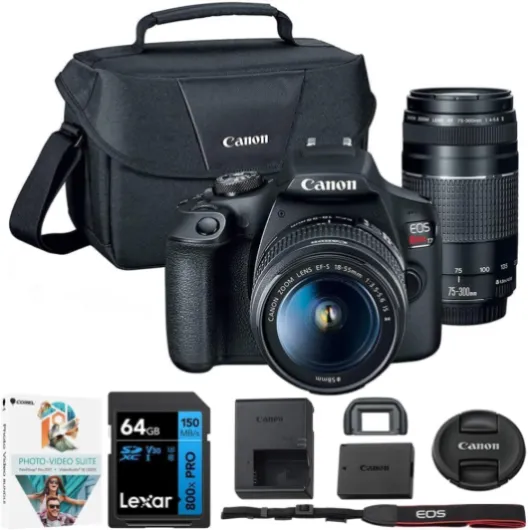
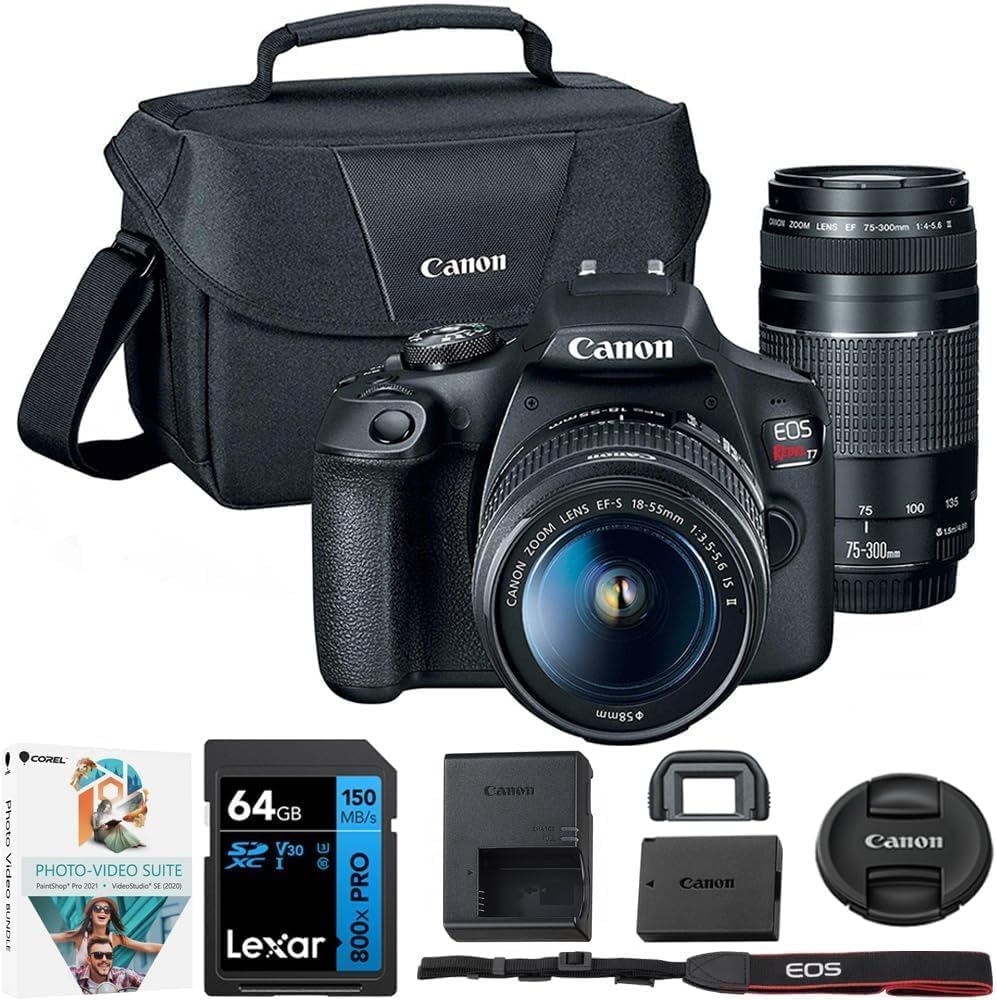
- + Dual Zoom Lenses: Includes EF 18-55mm and EF 75-300mm lenses
- + High Storage: Comes with a 64GB SDXC memory card
- + Accessories Included: Includes a camera bag and photo/video editing software
- + User-Friendly: Ideal for beginners and amateur photographers
Accessories that enhance DSLR videography
Key Tools to Improve Your DSLR Video Workflow
When aiming for high quality video with your DSLR camera, the right accessories can make a significant difference in both image quality and ease of use. While DSLRs offer strong video performance, adding a few essential tools can help you get the best results, especially when compared to mirrorless cameras or even the best dslr models like the Canon EOS Mark III.
- External Microphones: Built-in audio on most dslrs is often lacking. An external microphone, whether shotgun or lavalier, will deliver cleaner, more professional audio for your recordings.
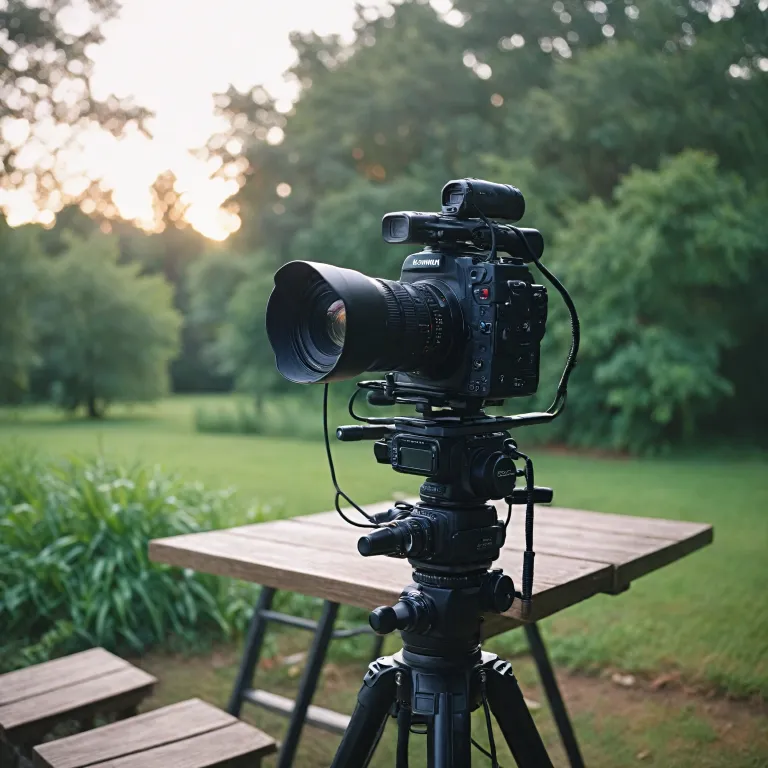
- Tripods and Stabilizers: To avoid shaky footage, a sturdy tripod or a gimbal stabilizer is crucial. This is especially important when shooting at higher frame rates or with heavier lenses.
- ND Filters: Neutral density filters help control exposure in bright conditions, allowing you to maintain the best frame rates and aperture settings for cinematic quality video.
- Extra Batteries and Memory Cards: Video recording drains battery life quickly, and high resolution footage fills up memory cards fast. Always carry spares to avoid interruptions.
- External Monitors: The built-in screen on most dslr cameras can be small and hard to see in bright light. An external monitor gives you a clearer view of your frame, focus, and exposure.
- Lens Options: Investing in fast, high quality lenses will improve your image quality and give you more creative control over depth of field and framing. Full frame lenses are especially useful if your dslr has a full frame sensor, but even crop sensor cameras benefit from quality glass.
- Lighting Gear: Good lighting is essential for quality video. Portable LED panels or on-camera lights can help you achieve consistent results, especially in low light situations.
Why Accessories Matter for Video Performance
DSLRs are versatile, but their video performance can be limited by ergonomics, autofocus speed, and battery life compared to mirrorless cameras. Accessories like external monitors and microphones help bridge the gap, making it easier to achieve professional results. For example, autofocus on some dslr models may not be as fast or accurate as on newer mirrorless camera systems, so manual focus aids or focus pullers can be valuable additions.
Whether you are using a Canon EOS, a crop sensor dslr, or a full frame model, the right accessories will help you maximize your camera's potential for high quality video. Consider your shooting style, the frame rates you need, and the environments you work in when choosing which tools to add to your kit.
Tips for getting the most out of your DSLR for video
Mastering Your Camera Settings
Getting high quality video from your DSLR camera starts with understanding your camera’s settings. Adjust the frame rates (fps) to match your desired look—24 fps for a cinematic feel, or 60 fps for smoother motion. Use manual mode to control exposure, ISO, and shutter speed. This gives you more creative control over your image quality and helps you avoid issues like flickering or unwanted noise.
Optimizing Autofocus and Audio
Continuous autofocus can be a game changer for video, especially if you’re moving or tracking subjects. However, some DSLRs are better than others at maintaining focus during recording. Test your autofocus system before important shoots. For audio, built-in microphones are rarely the best choice. Use an external microphone for clearer sound, and monitor your audio levels through headphones if your camera allows.
Choosing the Right Lenses
Different lenses can dramatically change the look of your video. Fast prime lenses with wide apertures are great for low light and shallow depth of field. Zoom lenses offer flexibility for framing. Remember, crop sensor DSLRs will affect your field of view, so plan your lens choices accordingly. Canon EOS and other popular brands offer a wide range of lenses to suit different needs.
Managing Battery Life and Storage
Video recording drains battery life much faster than shooting stills. Always carry spare batteries and high-capacity memory cards. Some cameras allow you to use external power sources for longer shoots. Check your camera’s maximum recording time per clip, as some DSLRs have limits.
Using the LCD Screen and External Monitors
The built-in LCD screen is useful for framing and checking focus, but it can be hard to see in bright light. Consider using an external monitor for better visibility and more accurate focus checking, especially when shooting in challenging conditions.
Post-Production Tips
- Shoot in the highest quality video settings your DSLR supports to give yourself more flexibility in editing.
- Record in flat or log profiles if available, as this preserves more detail for color grading.
- Stabilize your footage using a tripod, gimbal, or in post-production software to achieve professional results.
Whether you’re using a full frame sensor or a crop sensor, the best results come from knowing your camera’s strengths and limitations. Practice with your specific model—like the Canon EOS Mark III or other popular DSLRs—to get the most out of your video performance. Comparing your results to mirrorless cameras can also help you understand where your DSLR excels and where it might need support from accessories or post-production techniques.